


TERRAMASTER D2-320 USB RAID Enclosure – USB 3.2 Gen 2 10Gbps Type C 2Bay Direct Attached Storage Supports RAID 0, 1, Single, JBOD (Diskless)
Original price was: $129.99.$12.99Current price is: $12.99.


From the brand


TERRAMASTER NAS New Lineup
TERRAMASTER NAS New Lineup


NAS for Multimedia
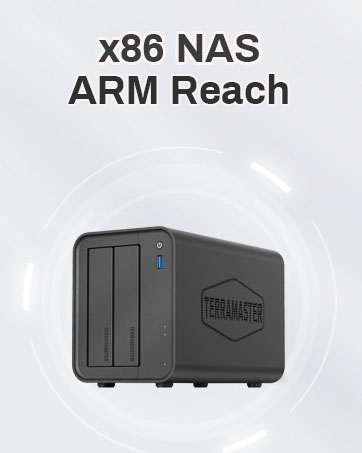
Home/SOHO NAS

TERRAMASTER DAS New Lineup
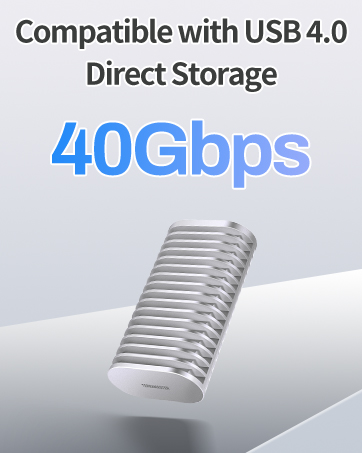
USB3.2 Direct Attached Storage

Thunderbolt3 Raid Storage

TerraMaster’s focus has been on digital storage products. In line with the evolving technological landscape, TerraMaster has developed a distinctive product line, which includes both direct and network attached storage devices.
At present, TerraMaster sells its products in more than 40 countries, which are widely used in education, finance, government, supermarkets, clinics, scientific research, law firms, film production, home, and other fields.
High Speed: The D2-320 hard drive enclosure (a DAS, NOT a NAS) adopts USB 3.2 Gen2 protocol for high-speed data transmission up to 10Gbps. With 2 hard drives in RAID 0, the read/write speed can reach up to 521MB/s (SATA III HDD 8TB x 2). With 2 SSD’s in RAID 0, the read speed can reach 1075MB/s (SATA III 1TB SSD x 2).
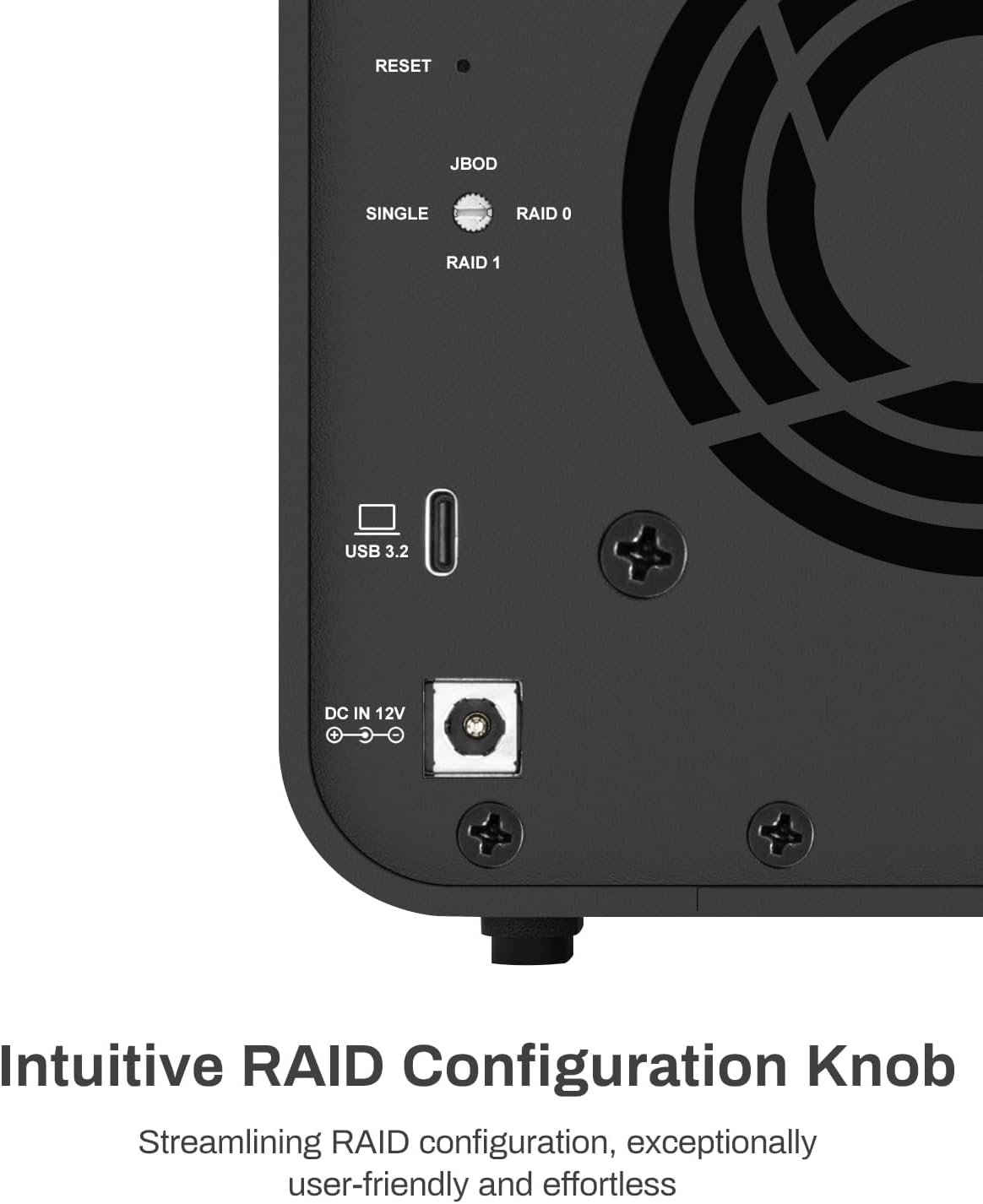
Multiple RAIDs supported: The D2-320 is a hardware RAID enclosure and it supports RAID 0, RAID 1, JBOD and SINGLE which can better satisfy various demands of users. In RAID 1, data will be in a mirror backup. When there is a damaged hard drive, you can directly replace the hard drive, and the data will be recovered automatically. This provides an absolute security for the data.
Super-large Storage Space: The D2-320 USB storage enclosure can support up to two 3.5″ and 2.5″ SATA HDD, as well as 2.5″ SATA SSD, with a maximum capacity of 22TB per drive, providing users with up to 44TB (22TB x 2) of storage space.
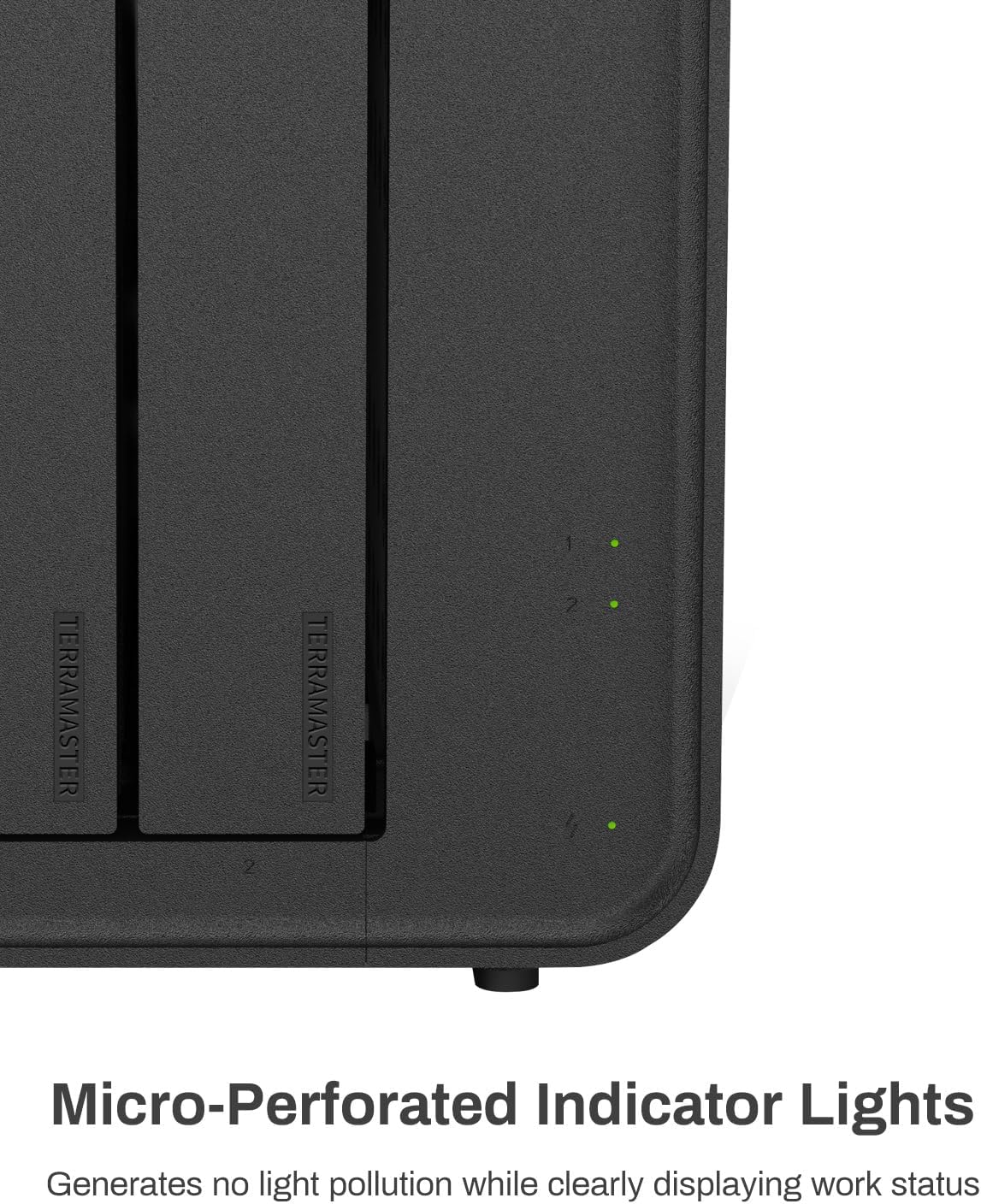
Better Heat Dissipation: The D2-320 HDD enclosure has an intelligent temperature-controlled and low-noise fan that automatically adjusts its speed based on the temperature of the hard disk. This feature ensures that the hard disk operates at its best temperature and provides better heat dissipation.
Convenient to swap hard drives: The D2-320 external hard drive enclosure features a tool-free hard drive tray design that allows for easy installation and removal of hard drives without the need for any tools. Furthermore, the D2-320 incorporates a brand new Push-lock unique design from TerraMaster, which automatically locks the hard drive tray when you insert the hard drive, preventing the hard drive from falling out or disconnecting.
7 reviews for TERRAMASTER D2-320 USB RAID Enclosure – USB 3.2 Gen 2 10Gbps Type C 2Bay Direct Attached Storage Supports RAID 0, 1, Single, JBOD (Diskless)


Robert N. –
The RAID1 functions as expected.
I purchased the D2-320 2-bay RAID enclosure with USB 3.2 Gen 2 10 GbpsMy purpose with this unit was to mirror (RAID1) two 6TB WD Reds with a Linux machine. I’m not familiar with this brand, so I decided to test it a little before copying a lot of my files over to the D2-320.Getting everything working was pretty easy.I pulled out each bay, installing the drive was pretty easy, no screws needed. They provide a video on it if you’re unsure. I set the selector on the back of the unit to RAID1, shoved in both drives, connected the USB (drives are powered but won’t spin up until the USB is connected), then held the RESET button with the provided pin until the disk lights flashed. The system found one drive – as it should have.I wrote approximately 18K files and directories of various sizes to the array and then without disconnecting the USB or turning off the power, I pulled out one drive. I then connect the pulled drive directly to another computer to see that the files were in fact written to the drive. They were. All good to go.I replaced the drive. Both lights are green. Since no changes had been made to either drive, this is perfect, it didn’t try to rebuilt the arrayNext, I pulled the second drive out hot. Then connected that drive to the other computer and checked to make sure all files were also written to this drive as well. They were! It is working as it should be.I then created a couple files on the other drive and then replaced the pulled drive back into the D2-320. One drive light was blinking green, the other blinking yellow. According to the online documentation, this means it is rebuilding the RAID1 mirror. Perfect .. Everything is performing as expected. It did take a few hours to rebuild .. but these are 6TB drives, so that was expected.The USB cable provided seems adequate, USB C on both ends. If you need a different cable, consider that when purchasing.Average 1G file write 156 MB/s, average 1G read 221MB/s. Slow but these are mechanical drives connected via USB. Acceptable. Later, I watched a video using Jellyfin and reading, transcoding, and streaming worked perfectly fine.The large fan is quiet and seems to keep the drives cool. Airflow looks to be sufficient. How noisy the unit will be will depend on your drives. Some are louder than others.These drives will be part of a system I have in place which will be up and running 24/7. I’ll be very interested in seeing how well the Terramaster D2-320 performs in the long run. I’ll post updates after I have used them for some time.
Alexander D. Dragu –
Plug-n-play. Easy to use. Packaging however not spot on.
From the moment the TERRAMASTER D6-320 External Hard Drive Enclosure arrived, it promised simplicity and efficiency. Designed to partner seamlessly with large-format hard drives, it sparked excitement for what was to come. However, tech’s unpredictable nature soon unveiled itself – a USB connection issue surfaced, casting a shadow of doubt. Was it the enclosure or something else?The plot thickened when the hard drive, purchased separately, was discovered dead on arrival (DOA). Here, Terramaster shone brightly, their customer support stepping in like the heroes of our story. They facilitated a swift return and replacement through Amazon, showcasing their commitment to customer satisfaction.Yet, the twist in our tale – the same USB mystery reappeared. Despite this, the enclosure soldiered on, functioning as intended, a testament to its resilience and quality. The only hiccup? A missing protective sleeve in the second shipment, a minor blip that required a dash of creativity to solve.In the end, the TERRAMASTER D6-320 External Hard Drive Enclosure stands as a beacon of reliability, backed by stellar customer support. While the journey had its ups and downs, the product delivered on its promise, albeit with a gentle reminder: in the world of tech, sometimes, you have to expect the unexpected (and maybe improvise a little).Pros:Reliable performanceExceptional customer supportCons:Potential USB connection mysteryPackaging inconsistenciesFinal Verdict: A great product with a few quirks, the TERRAMASTER D6-320 is for those who value reliability and are ready to tackle minor challenges head-on. It’s not just about the destination but the journey – and this journey, with its mix of trials, tech, and terrific support, is well worth it.
Aether –
It is exactly as described in the description of product.No second thoughts on buying. Using it as partial RAID and simple storage for homelab.For mounting SSDs, screws are provided, this information is missed out in the product package contents.R/W Speeds match the described information.
Cliente de Amazon –
Muy buen producto, agregando discos duros podemos tener bastante almacenamiento
Darren Just –
I have two different NAS systems. Each time I upgrade the drives, I am left with smaller unused drives. This affordable unit lets me use these drives as a backup. Easy to set up, good price, good performance.
Jasbir Bindra –
Easy to use. Fan is less noisy.
SeanMc –
Very easy to set up, does exactly what I expected it to. Seems quiet in operation. I’ve replaced my basic Synology NAS with this DAS and everything is accessible much quicker now.