


Micro Center CPU Motherboard Combo – Intel Core Ultra 7 265K 20-Cores Unlocked Desktop Processor with Msi MAG Z890 Tomahawk WiFi Gaming LGA 1851 ATX Motherboard
$84.99




Product description
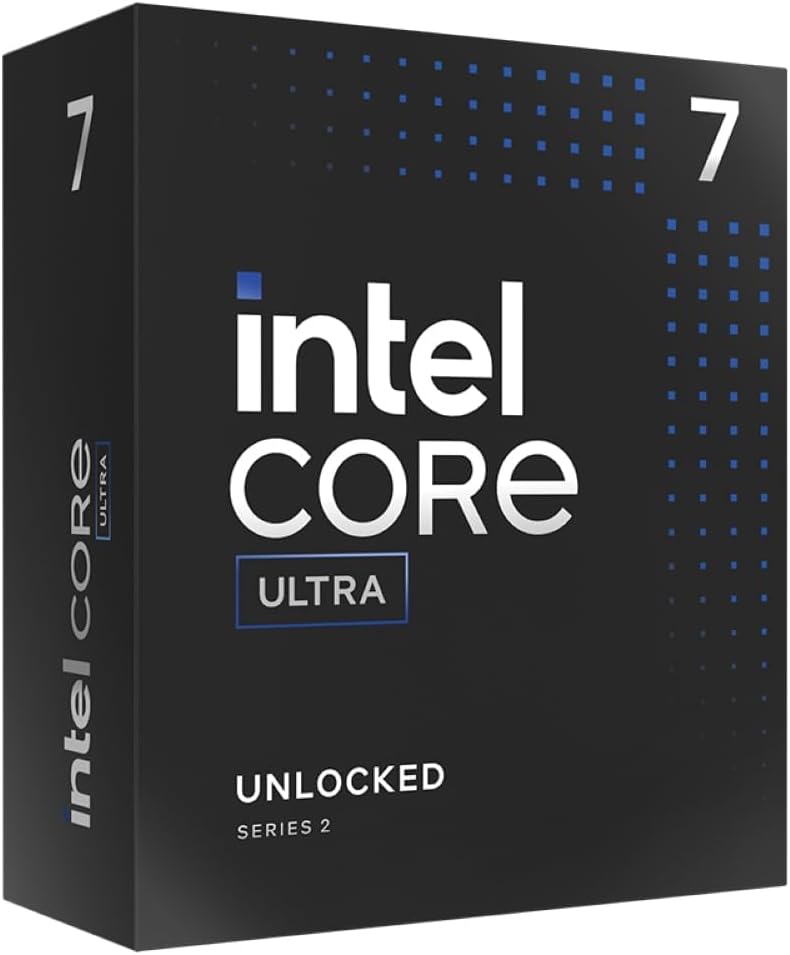
Intel Ultra 7 265K + MAG Z890 TOMAHAWK WIFI 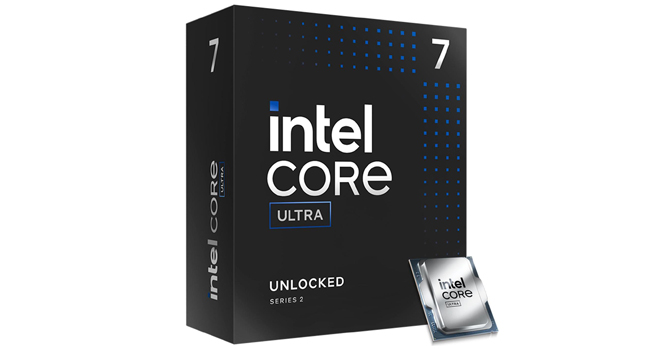 1)Intel Core Ultra 7 265K Desktop Processor
Intel Core Ultra desktop processors (series 2) are the ultimate desktop and entry workstation platform, engineered to unlock new levels of intelligent performance for the most demanding daily tasks.
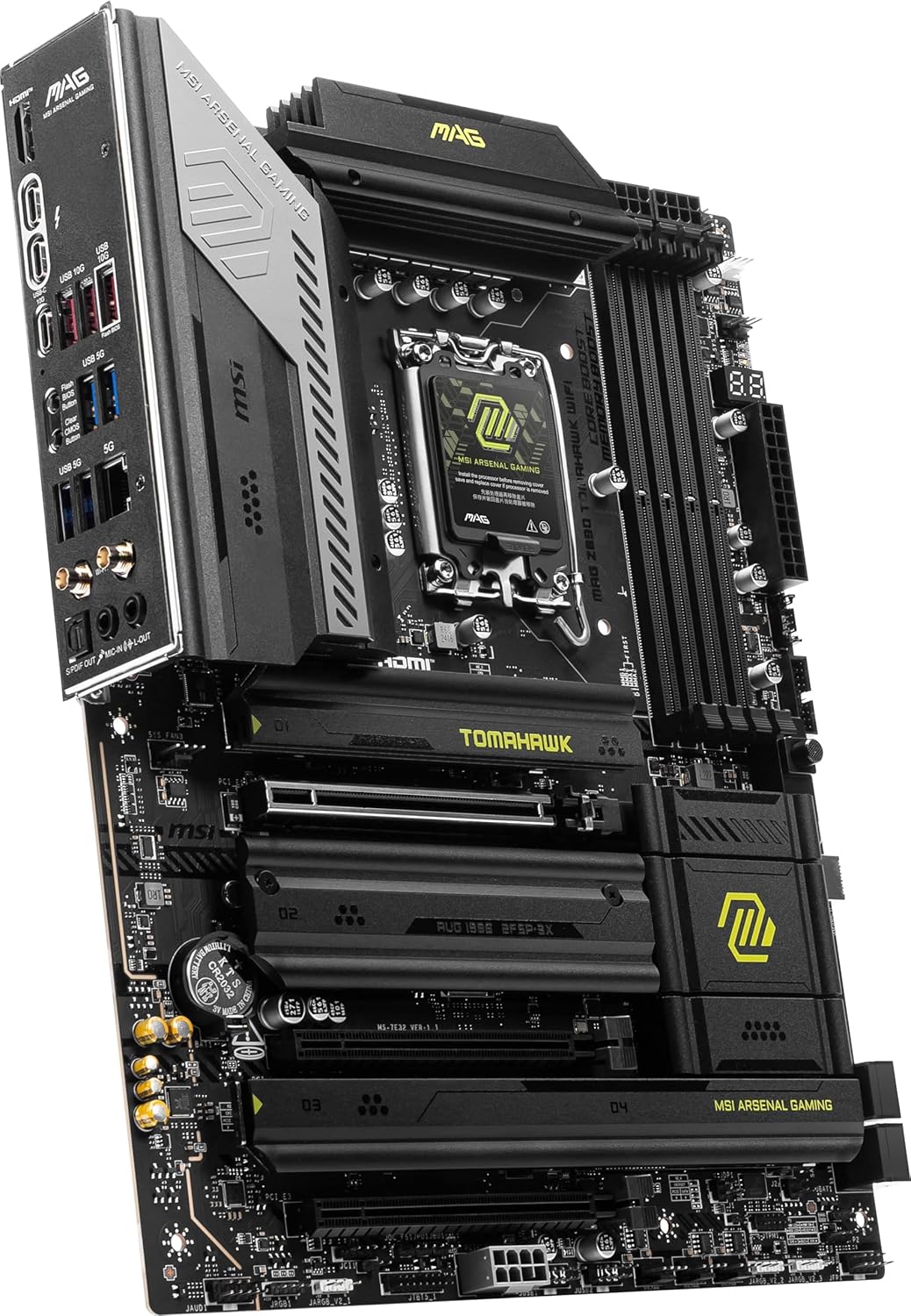
 2)MAG Z890 TOMAHAWK WIFI motherboard
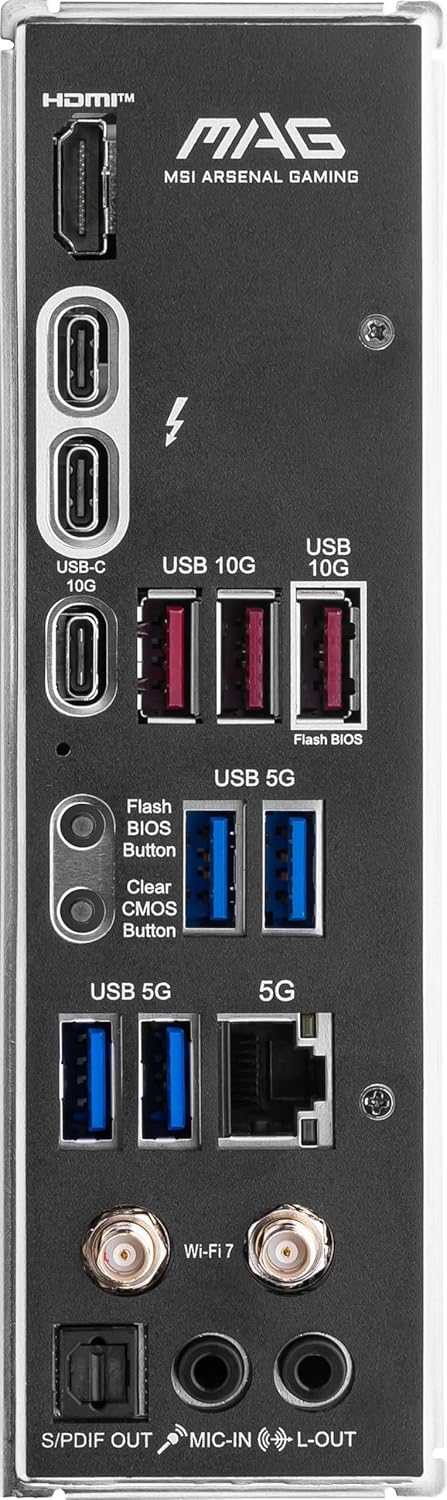
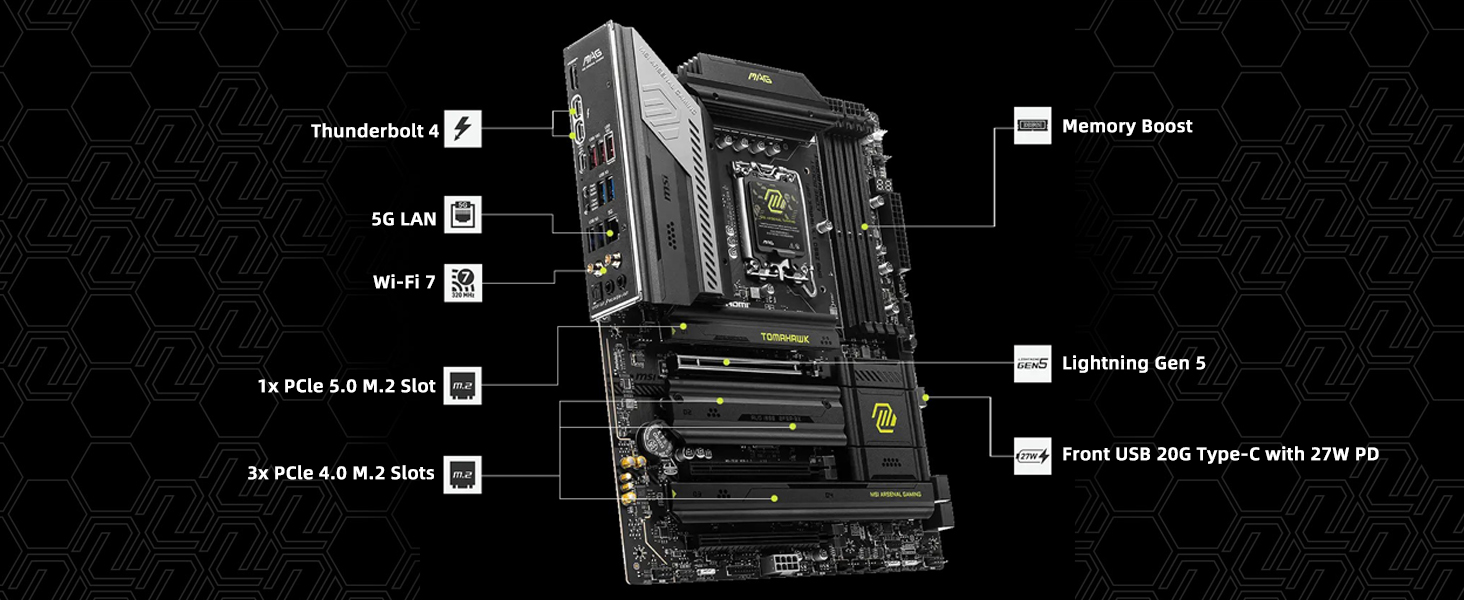
MAG Z890 TOMAHAWK WIFI is designed for gamers with a stable, durable and DIY friendly foundation for their PC builds. Coming up with Wi-Fi 7 solution and 5G LAN, Thunderbolt 4, PCIe 5.0 solutions, Supplemental PCIe Power and exclusive EZ DIY features, it’s ready for the Intel Ultra processors
Intel Core Ultra Processors (Series 2)
Ultra 7 265K Desktop Processor
These processors are desktop powerhouses, featuring up to 20 cores with new P-core and E-core architecture, along with new overclocking1 features and performance technologies.NPU for AI Performance: Neural nets are the new apps, and the AI accelerators in Intel Core Ultra processors are designed to efficiently speed up the matrix multiplications at the heart of these neural networks.Offering next-gen Wi-Fi and Bluetooth, the latest Thunderbolt technology, and numerous PCIe lanes.
The video showcases the product in use.The video guides you through product setup.The video compares multiple products.The video shows the product being unpacked. Ultra 7 265K Desktop Processor Merchant Video
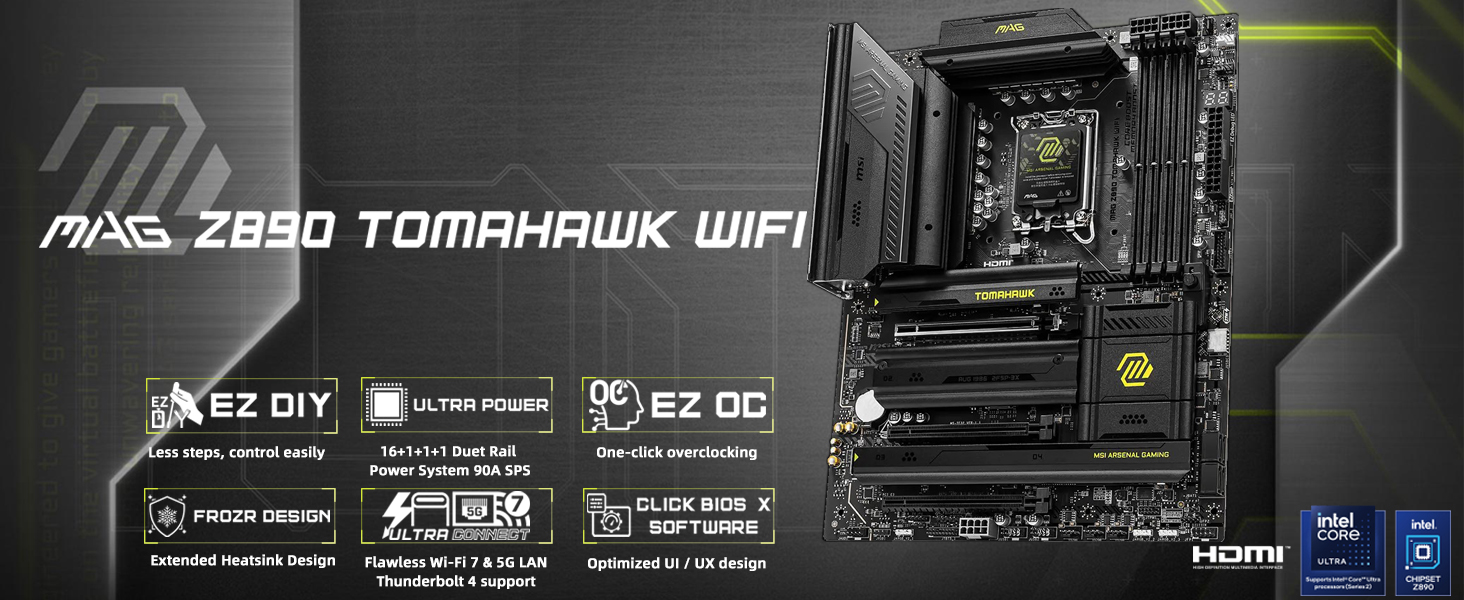
The MAG Z890 TOMAHAWK WIFI Intel LGA 1851 gaming motherboard delivers cutting-edge connectivity, including Wi-Fi 7, 5G LAN, Thunderbolt 4, PCIe 5.0, and M.2 Gen5. Designed for AI-PCs and EZ DIY, it’s an ideal Z890 ATX motherboard for Intel Core Ultra CPU.
Supports Intel Ultra Processors (Series 2)
The MAG Z890 TOMAHAWK WIFI motherboard supports Intel Core Ultra Processors (Series 2).
Form Factor: ATXSocket Type: LGA 1851Chipset: Intel Z890 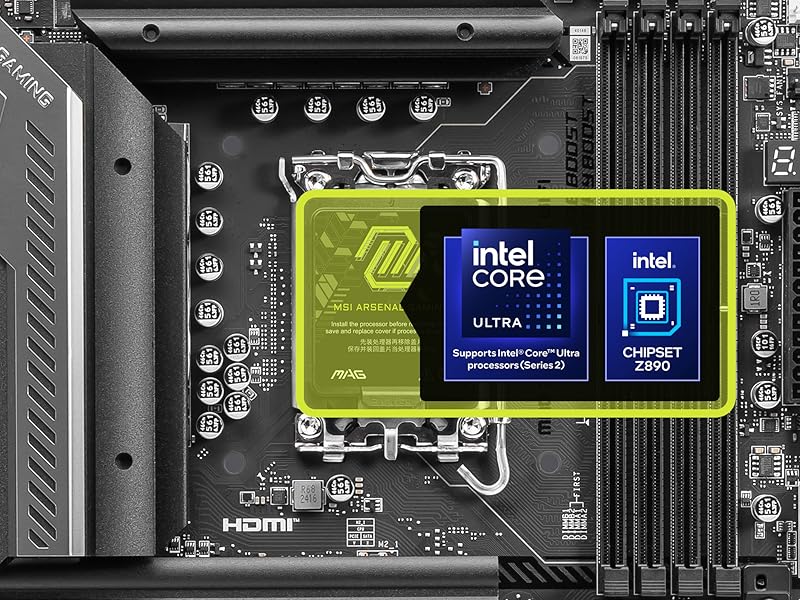
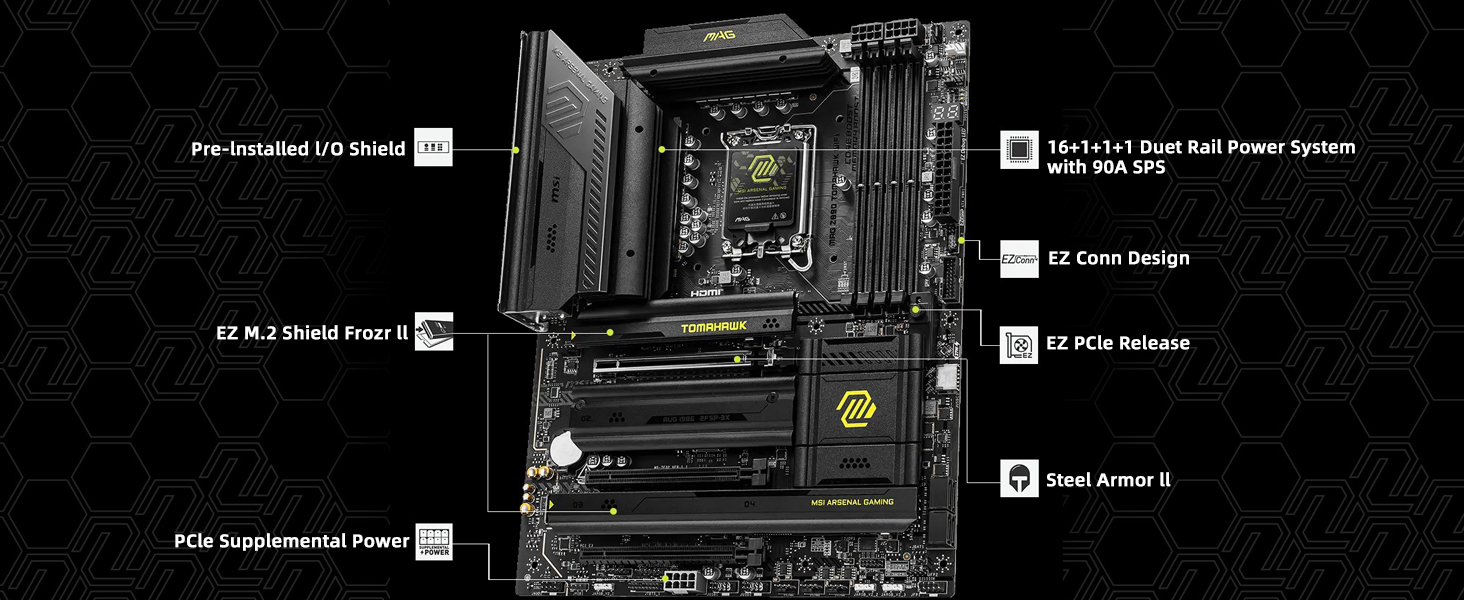
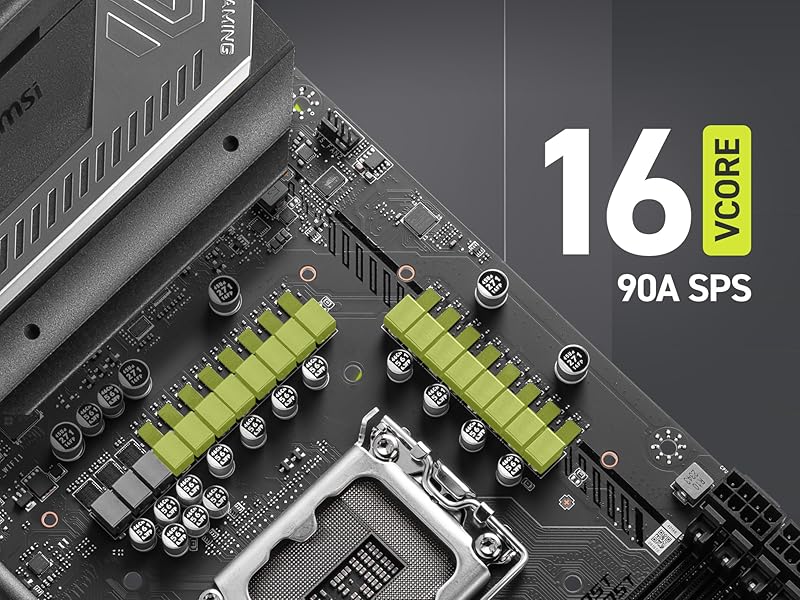 Ultra Power – 16 Duet Rail Power System with 90A Smart Power Stage
With exclusive Core Boost technology and dual 8 pin power connectors, the MAG Z890 TOMAHAWK WIFI is able to sustain heavy CPU power loads to support system-demanding game settings:
Digital PWM IC and 16 Duet Rail Power System (90A / SPS)1-Phase SA Power and 1-Phase GT Power1-Phase VNNAON Power Frozr Design
Frozr Guard: Extended Heatsink design, 7W/mK MOSFET thermal pads, extra choke thermal pads and EZ M.2 Shield Frozr II for improved thermal dissipation.
Frozr Sync: Connect and synchronize cooling with strategically placed pin-headers – including CPU fan header (2A), Combo fan (3A, supports both pump fan and system fan) and system fans.
Frozr Control: Manage speeds and temperature for all fans of your system in MSI Center with Cooling Wizard and Frozr AI Cooling.
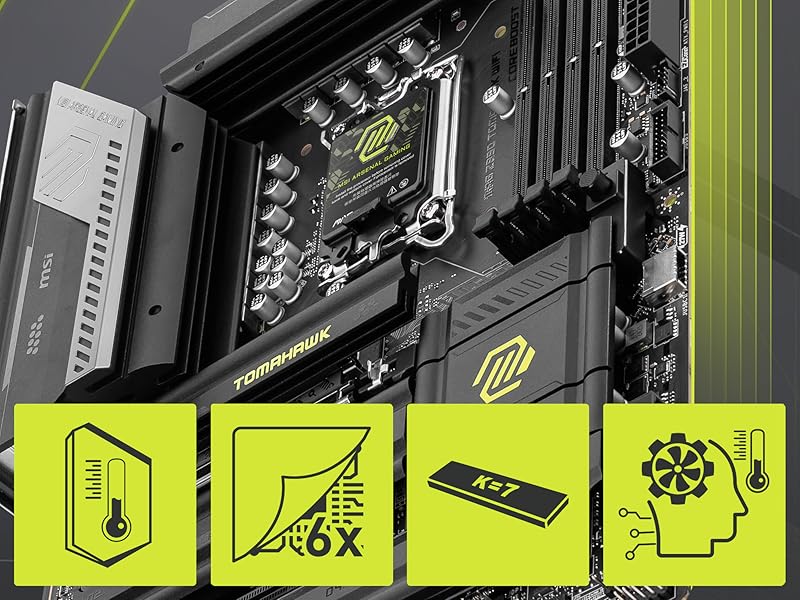
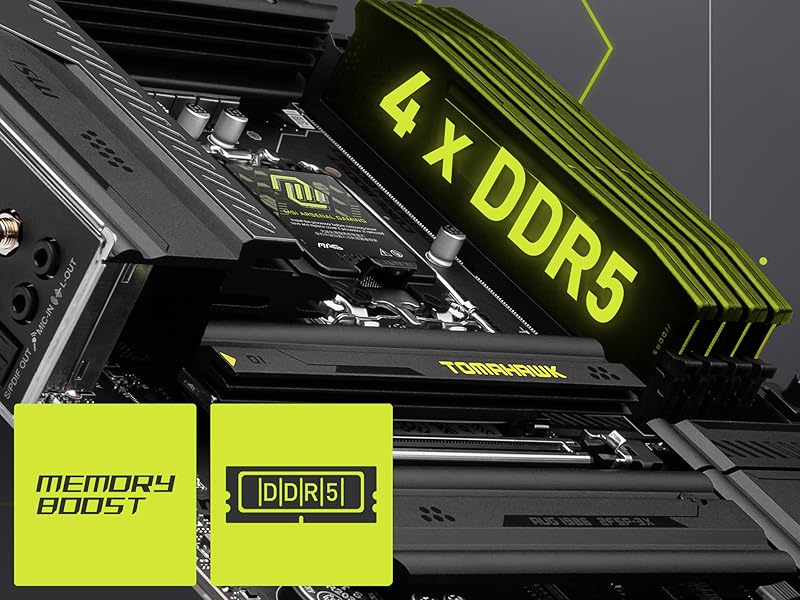 4 x DDR5 Dual Channel (9200+ MT/s OC)
Memory Boost: A fully-isolated DDR circuit delivers pure data signals for optimal gaming and overclocking performance.
XMP Profiles in the MSI BIOS are MSI OC LAB optimized and can be easily enabled with auto power settings for optimized memory speed and stability.
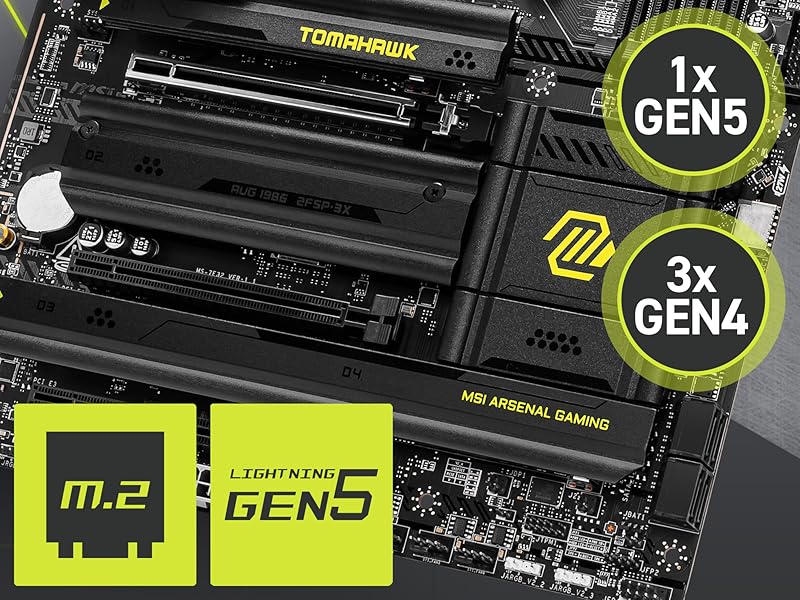
Gen5 M.2 Connector
The MAG Z890 TOMAHAWK WIFI motherboard features the latest M.2 slots:
1 x Gen5 x4 128Gbps slot* (with double-sided M.2 Shield Frozr)
3 x Gen4 x4 64Gbps slots*
 Ultra Connect
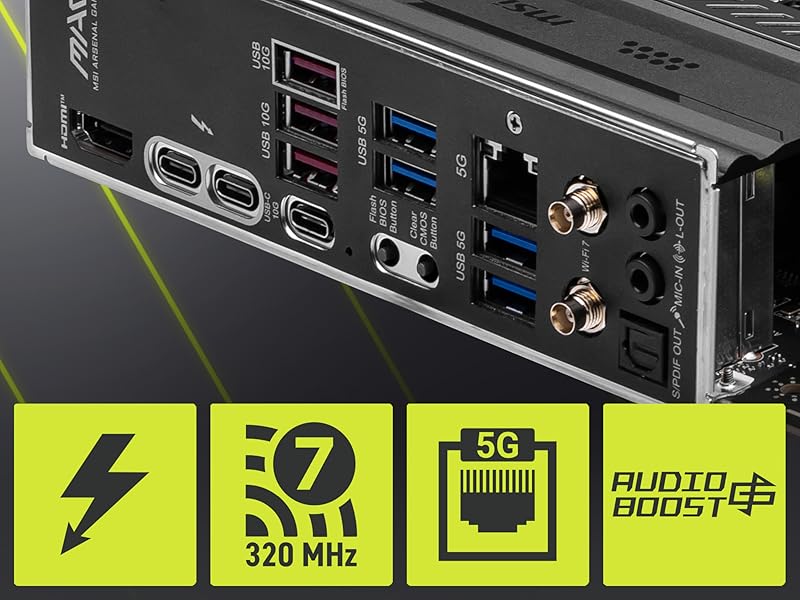
5G LAN: An Intel Killer 5G LAN controller delivers a premium network gaming experience.
Thunderbolt 4 Type-C: Connect to devices and transfer files at high bandwidth rates: 40Gbps, with 8K display support*.
Wi-Fi 7: Features the full-speed Wi-Fi 7 solution (ultra-low latency, high-bandwidth) & Bluetooth 5.4 technology.
HD Audio: 7.1-Channel USB High Performance Audio with Audio Boost 4 & S/PDIF output.

1 Exclusive Features
2 Thermal Solutions
3 High-Speed Transmission
Get ultra-efficient with Intel Ultra desktop processors that improve both performance and efficiency so your PC can run cooler, quieter, and quicker
Core & Threads 20 cores (8 P-cores + 12 E-cores) and 20 threads, performance unlocked Up to 5.5 GHz. 36MB Cache, Intel LGA 1851 Socket and 125W Processor Base Power.
MAG Z890 TOMAHAWK WIFI is designed for gamers with a stable, durable and DIY friendly foundation for their PC builds, supports Intel Core Ultra Processors (Series 2)
Supports Dual Channel DDR5 Memory, up to 256GB
Extended Heatsink Design: extended PWM heatsink and enhanced circuit design ensures even high-end processors run in full speed
8 reviews for Micro Center CPU Motherboard Combo – Intel Core Ultra 7 265K 20-Cores Unlocked Desktop Processor with Msi MAG Z890 Tomahawk WiFi Gaming LGA 1851 ATX Motherboard




Abby B –
Great motherboard and cpu bundle
Super nice has a lot of slots for extra hard drives you can’t beat the value of the stuff you get in the bundle either. It functions just how it should and was super easy to install has held up to all the games I’ve thrown at it so far.
Glenn H Morita –
Great deal
Great deal on a super motherboard and cpu combo. Easy to set up and get running
Nicholas F. Mertes –
Good Board For Non-Gamers
Purchased this board & a Core i5 to upgrade a system I built roughly 13 years ago because it won’t run Windoze 11. New board, CPU, & RAM. Components all easy to install. The CPU heat sink has grease already applied. My only complaint is there are only 4 SATA connections & if you use an internal SSD (which makes the boot time almost non-existent), you lose the use of 1 of the onboard SATA connections.
Customer Review –
If you’re not running windows, do yourself a favor and skip this board
With any PC build, you expect a certain amount of fiddling but getting this board up and running was a whole day affair that spilled into the next day. If you’re not running windows, you won’t be prepared for all the nonsense you have to deal with.First of all, their choice to put in a Realtek 5G ethernet is probably the worst decision ever. This ethernet adapter isn’t supported in any current Ubuntu versions. Supposedly it will be supported in kernel 6.15 but that doesn’t really even matter. I use PXE boot for all my systems, as its much more convenient to boot systems over the network to install OS, perform system rescue, repartition boot disks or whatever. The rub is, your hardware needs to have wide compatibility so that the PXE boot actually works. If your PXE boot image doesn’t support the ethernet adapter in the system, the boot fails. None of my PXE boot images work with this adapter.Also, a word of wisdom to any vendor trying to make 5gb ethernet happen. 5gb ethernet isn’t happening, it’s just not a compelling enough reason to upgrade switches and other infrastructure. 10g, 25g, 100g, 400 & 800, these are all happening. 5gb isn’t happening. Horrible decision to include this barely supported ethernet on this motherboard.Since PXE wasn’t working, I had to resort to using USB to boot and install an OS. That was another adventure that I care not to ever live again. I tried multiple USB sticks, 3.0, 2.0 and even a really old 1.0 USB stick. No matter what I tried, I wasn’t able to boot from USB and install an OS until upgraded the firmware on the motherboard. Every now and then I get some electronic device that you can’t even use until you upgrade the firmware and I must say it’s an annoyance at the highest level. I should not need to upgrade the firmware just to get the thing up and running. After upgrading the firmware, I did find the magic combination of USB stick and USB port on the rear panel. I was able to get the OS installed.There are a few nice things on the board, the design of the M.2 slots and heatsinks is nice. The ejector button for the GPU slot is a nice touch too. I always feel like I’m going to break the GPU, wrestling it out of the slot on some motherboards (especially when it’s super cramped in there and you can’t reach the release).With those M.2 heatsinks though, there is a downside. If you have a GPU that pushes the size limit, it will sit right on top of the M.2 heatsinks. I have the NVIDIA RTX PRO 6000 Blackwell Workstation Edition and it smacks right into the heatsinks. I have no idea if the card is seated in the slot all the way because the shroud is sitting right on the heatsinks, the card can’t be physically pushed in any further because it’s already sitting on the heatsinks. There’s also no way to see the slot from either side because the heatsinks and shroud are blocking the view.The 256GB of Crucial DDR5 seems to be working fine, I tried the easy option for clocking the memory but it didn’t work so I just put it back to the default. The Crucial NVMEs seem to be working fine and cool too.For the cooler I went with the Be quiet Dark Rock Pro 5. It’s enormous but seems to be keeping the CPU cooled. I’d recommend you buy your own thermal paste.The board seems fast so that’s also a plus. Once I finally sorted out the issues, it seems stable enough too. I won’t be returning it but I also will never buy another MSI Motherboard and I’ll be sure to tell everyone I know to also stay far away from these motherboards.
Ryanide –
A great combo for any custom build computer rig!
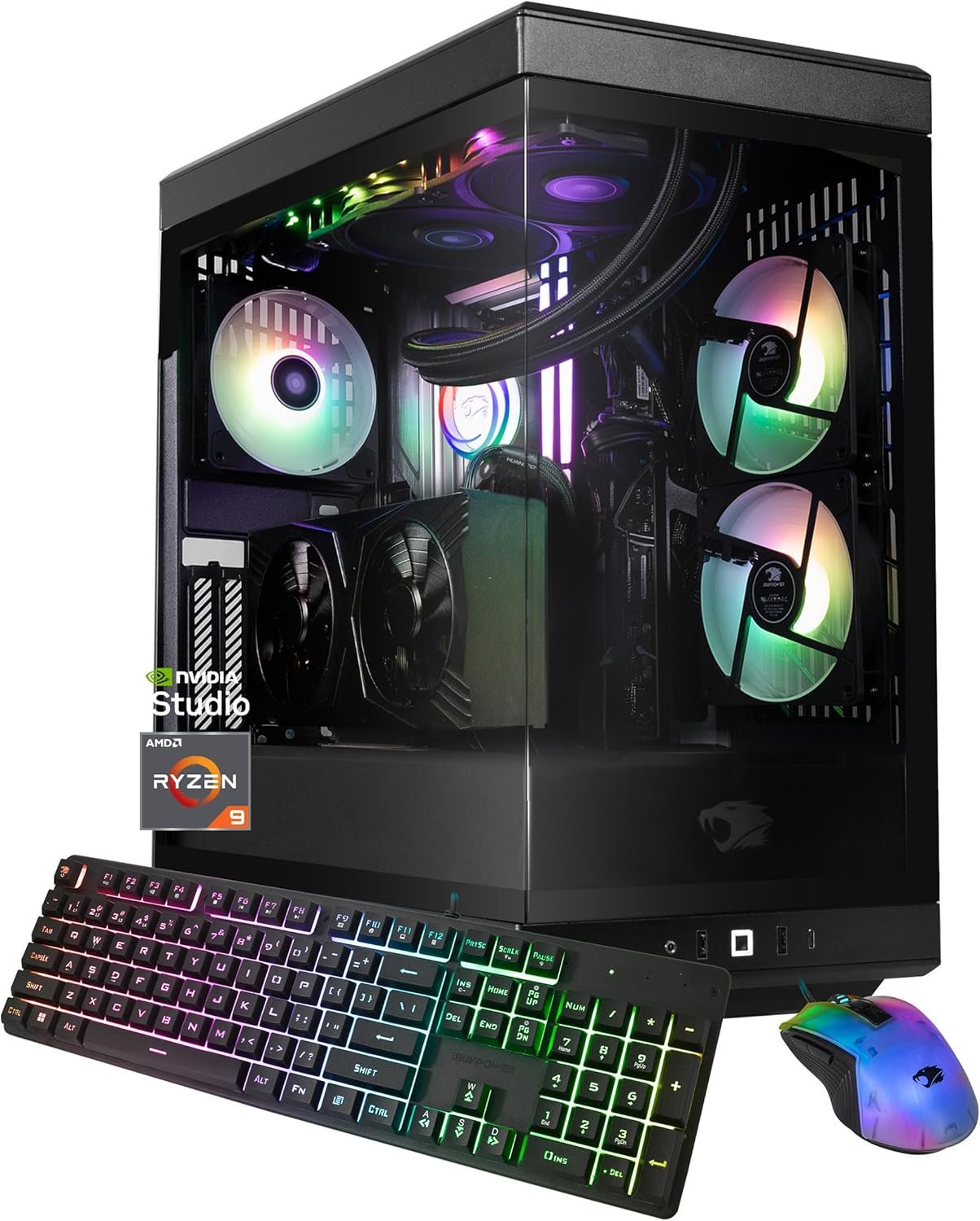
This combo pack was a great idea from Micro Center.The MSI motherboard works prefectly with the Intel Core Ultra series 2 CPU chips. I was looking for a motherboard that would give me more USB Type-C ports as that seems to be the way of the near future of components (external drives, mice, keyboards, etc.). This one gives me 3 on the board plus the 1 on the front. The speed of the system with this motherboard are impressive. It is compatible with my short and wide case. The pin bend on the motherboard doesn’t seem to be much of an issue.The Intel Core Ultra 7 265K is pretty fast and has handled my dozens of tabs of Chrome and the gaming all at the same time and with the AIO liquid cooler installed, it runs at a decent 110 to 135 degrees Fahrenheit. There are no issues there. It can handle gaming without lag.With both, if you don’t have a dedicated GPU, this CPU chip has the ability to use the motherboards built in HDMI port. I’ve tested it when in BIOS and it does indeed work well.I know, with my GPU and AIO L.C. all installed, the picture isn’t completely displaying the motherboard, but, it does display the case it is in and the fit inside of it.OVERALL: Both were east to install and seems to be a great value.
ColeSlaw –
Easy Install, Well Made with alot of Perks.
So far so good. Only had it 2 days though so will see how it holds up. Replaced a z490 computer that died on me. First time building a computer in about 15 – 20 years. Boy has technology changed. Loved how the motherboard was designed and ease of install. I recommend getting the PDF for the motherboard online and have it on your phone while installing (helped me tremendously). Also take your time! Hardest part for me was making sure all the power cables and motherboard cables were connected to the correct spots. Also I bought a Fractal case XL. Made install way easier with alot of room and good cable management included with case.
geoffhubbell –
z890 Tomahawk is great with the 265k
the z890 tomahawk is a great pairing with the 265k. this chipset is extremely undervalued with even 8200 cudimms at the price right now. it has handled everything great with no stability issues and im at 71.8ns with minor tweaking.this review is for Shout out for MSI 2025 Q2
Dean Craig –
Great combo, Great performance.
Great combo, Great performance. Always a fan of MSI MB’s. Did have issues loading windows 11 but after updating BIOS all installed fine. The only minus is the easy M.2 plastic locking clips, they are not so easy, in fact mine partially broke. Its OK now but when I change or update my main NVME drive it will most likely break. Will need to acquire a few I think.