

![ESET NOD32 Antivirus | 2025 Edition | 1 Device | 1 Year | Antivirus Software | Gamer Mode | Small System Footprint | Digital Download [PC/Mac]](https://living-smart.co/wp-content/uploads/2025/12/616IGJijbnL._AC_SL1333_.jpg)

WAVLINK USB-C Triple Display Docking Station – 3X HDMI, 2X DisplayPort, 100W PD, 6X 10Gbps USB Ports, Gigabit Ethernet for MacBook M1/M2/M3/M4, Windows & More
Original price was: $149.99.$15.99Current price is: $15.99.



From the brand


Enterprise-class Manageability
WAVLINK’s DL-chip docks enhance corporate productivity with advanced management features. They provide enterprise-level control capabilities, ensuring smooth operations in demanding work environments. Designed specifically for business needs these docking stations streamline essential tasks, allowing IT teams to efficiently manage connected devices while maintaining performance standards across the organization.

Docking Station 5K 2 Monitors
Docking Station 3 Monitors
Docking Station 4 Monitors
Universal Docking Station
USB C 3.2 HUB
Wifi Router
Outdoor WiFi Extender

Let Technology into Your Life!
WAVLINK is a team that inherits the gene of technology and wisdom, will integrate the attitude of human text into the development and design of each product to bring the charm of technological life to users!
The predecessor of wavlink can be traced back to the technology studio founded in California, USA in 1992, which has made remarkable achievements in board products,etc
Triple Display for Maximum Productivity: Experience seamless multitasking with 1x 4K HDMI (60Hz) and 2x 2K HDMI/DisplayPort (60Hz). DisplayLink technology ensures smooth display performance, even on MacBook M1/M2/M3/M4 systems. Install the driver for full functionality.
100W Power Delivery for Fast Charging: Charge your laptop with up to 100W of Power Delivery via the included 130W power supply. Quick charging for MacBooks, laptops, and other devices with USB-C charging support.
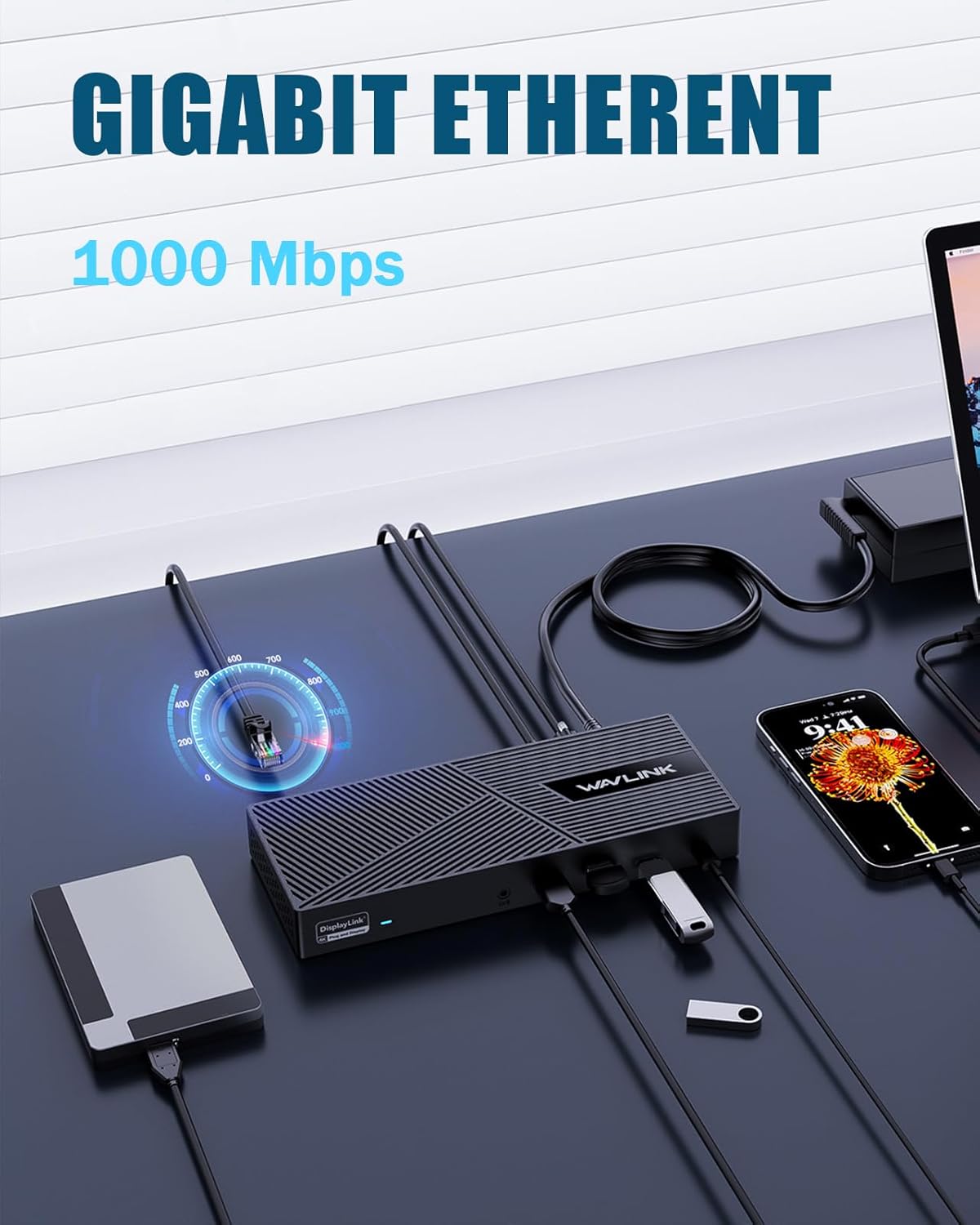
Fast 10Gbps Data Transfer: Equipped with 4x USB-A and 2x USB-C 3.1 ports (10Gbps), plus Gigabit Ethernet for ultra-fast data transfer and stable networking. Perfect for transferring large files and seamless online activities.
Comprehensive Compatibility: Works with USB-C, USB4, and Thunderbolt systems. Compatible with macOS 11+, Windows 10/11, and ChromeOS 100+, ensuring easy connection with a wide range of devices.
Designed for Work and Play: Ideal for productivity at home or the office. With 4K HDMI support, fast data transfer, and stable Ethernet, it’s perfect for those who need high-performance displays and seamless workflows. Not recommended for gaming or HDCP content playback.
13 reviews for WAVLINK USB-C Triple Display Docking Station – 3X HDMI, 2X DisplayPort, 100W PD, 6X 10Gbps USB Ports, Gigabit Ethernet for MacBook M1/M2/M3/M4, Windows & More


R. –
Great product.
I’ve purchased 3 different models to suit the needs of 3 separate workstations I have in various locations outside of my office at work where the Plugable brand docking stations are utilized. This Wavlink docking station is far less expensive than the Plugable and works just as good, if not better. It’s pretty much plug and play with the last few versions of Windows. I can’t speak for Apple products because I don’t use them, but I have yet to have a single issue with either of my setups and will continue to use this brand for future needs. Definitely recommend.
Randy M. –
Reasonable priced docking station with decent port selection.
I purchased this to replace an older model. I wanted something to use with both my work and personal laptops. One laptop connects with a USB-C (Power & DP) the other uses a USB-C (Data only). Both works fine now, but video and audio were laggy on one until I updated the DisplayLink drivers. My setup is a bit different: three monitors but I’m not using the (Alt Mode) HDMI. Instead, I use a stand-alone DisplayLink HDMI adapter connected to a USB-A port on the back of the hub. I’m not doing any heavy gaming, etc. but it works (okay) for streaming video on any of the three monitors. For the price it’s pretty convenient and reliable setup.
Trent –
Not just plug and go
Complicated to set up.
Buzz –
Works great
We are using this with an HP laptop. We bought it to replace a Dell docking station that had stopped working reliably. This one plugged in and works perfectly. No complaints and reasonably priced.
Blankster –
Very good product
I’ve tried many hubs and this one is by far the best.
DL –
Works but barely
You have install drivers and a software that “records” your screen in order to use multiple monitors. Doesn’t stay connected consistently.
Joe –
Great for the price, not perfect
For the price, it’s hard to find something with these specs and 3 monitor support. The button is responsive, but at times, the screens go out temporarily or the third monitor for hdmi takes a minute when switching. Great for the price, not perfect.
Terry –
Works well
Works well especially when teleworking and needing to have several items hook up.
Amazon Kunde –
Funktioniert alles Super. Bin wirklich sehr zufrieden.
Gom59 –
Produit de bonne facture, de qualité. Remplace une autre station d’accueil qui avait du mal à alimenter mon PC et afficher en hdmi. Avec ce modèle, aucun problème. J’alimente donc mon PC depuis USB-C avec cette station, j’y connecte un câble Ethernet, un écran hdmi, et un bon nombre d’accessoires USB (souris, clavier, imprimante, disque dur). Le tout est donc alimenté par le chargeur USB-C que j’ai connecté à cette station. Plus aucun problème d’affichage ou de charge. Je n’ai pas encore testé les autres fonctions (micro SD, VGA etc) mais pour l’utilité que j’en ai, ce produit est parfait.
Serena –
Stabile, solido, un po’ ingombrante (ma forse non si poteva fare meglio).
Augusto Legua –
El motivo por el que me decidí a pedir este hub, es su capacidad para manejar hasta tres monitores externos. Sí, has oído bien, ¡tres! Si eres de los que tienen mil ventanas abiertas para trabajar, analizar datos o simplemente para tener YouTube en un lado y las redes sociales en otro (no juzgo, todos lo hacemos), esto es una maravilidad. Puedes configurar tus pantallas de varias formas: una en 4K, dos en 1080p, o incluso tres en una resolución decente. Poder extender tu espacio visual de esta manera es un gran paso para la productividad. Te ayuda a organizar mejor tu trabajo y a tenerlo todo a la vista sin tener que andar minimizando y maximizando ventanas constantemente.Pero no solo vive de pantallas. Esta estación es generosa en puertos. Tenemos dos USB 3.0 que van de maravilla para conectar discos duros externos o cualquier dispositivo que necesite velocidad. Y para esos periféricos que no demandan tanto, como el ratón y el teclado inalámbricos, tienes dos puertos USB 2.0 dedicados, lo cual es un detalle inteligente para evitar conflictos. Y si la estabilidad de tu conexión a internet es importante (y para la mayoría lo es), el puerto Gigabit Ethernet RJ45 es un salvavidas. Olvídate de los altibajos del WiFi y disfruta de una conexión sólida y rápida para tus videoconferencias o para descargar archivos grandes.Una de las grandes ventajas, es el Power Delivery de 100W. ¿Qué significa esto? Pues que puedes cargar tu portátil a través de la misma conexión USB-C que usas para el hub, entregando hasta 85W a tu equipo. Así te olvidas de tener otro cargador ocupando un enchufe o sumando peso a tu mochila. Eso sí, recuerda que el cargador de 20V/5A/100W no viene incluido y deberás usar uno que tengas o adquirirlo. Y ojo, si tu portátil consume más de 85W para cargarse, esta función no te servirá, así que es bueno revisar las especificaciones de tu equipo.En cuanto al diseño, es delgado y compacto. No ocupa un espacio exagerado en tu escritorio y es fácil de llevar si te desplazas. Y un punto práctico para los que trabajamos con archivos de cámara o móvil: las ranuras para tarjetas SD y Micro SD son un acierto. Te ahorras tener adaptadores adicionales y accedes a tus archivos de forma rápida.Ahora, un par de aclaraciones importantes: si eres usuario de Mac OS, lamentablemente este dispositivo no es para ti. Además, asegúrate de que el puerto USB-C de tu portátil sea de los que lo dan todo, es decir, que soporte tanto la salida de vídeo como la carga. Y si tu tarjeta gráfica es de las que tiene un límite de tres monitores en total, puede que tengas que apagar la pantalla de tu portátil para que las tres externas funcionen.En resumen, esta estación de acoplamiento es una solución potente y bien pensada para cualquiera que busque expandir las capacidades de su portátil de forma significativa. Te proporciona un centro de conexión robusto que simplifica tu setup y potencia tu trabajo.
Michael Ferreira de Sousa –
gostei bastante Serviu demais. Porém comprei sem conhecer direito a Tecnologia DisplayLink e quando coloquei o cabo hdmi ou DP em meu monitor, ficou um pouco lento, como se tivesse sobrecarregado, mas é por conta do displayLink, pois pelo que entendi é como se ‘retransmitisse’ a imagem. Então, não serve para jogos ou algo assim, o monitor uso a porta direta com meu notebook. E sobre o restoda estação de ancoragem estou usando tudo, sem o monitor, e está me servindo demais, principalmente pelo fato de carregar meu notebook e não precisar de nenhum fio a mais (somente do hdmi como expliquei antes). De resto tudo ok.