


GIGABYTE – Gaming A16 Gaming Laptop – 165Hz 1920×1200 WUXGA – NVIDIA GeForce RTX 5070 – Intel i7-13620H – 1TB SSD with 32GB DDR5 RAM – Windows 11 Home AD (GIGABYTE Gaming A16 CWHI3US864SH)
Original price was: $1,349.99.$239.99Current price is: $239.99.
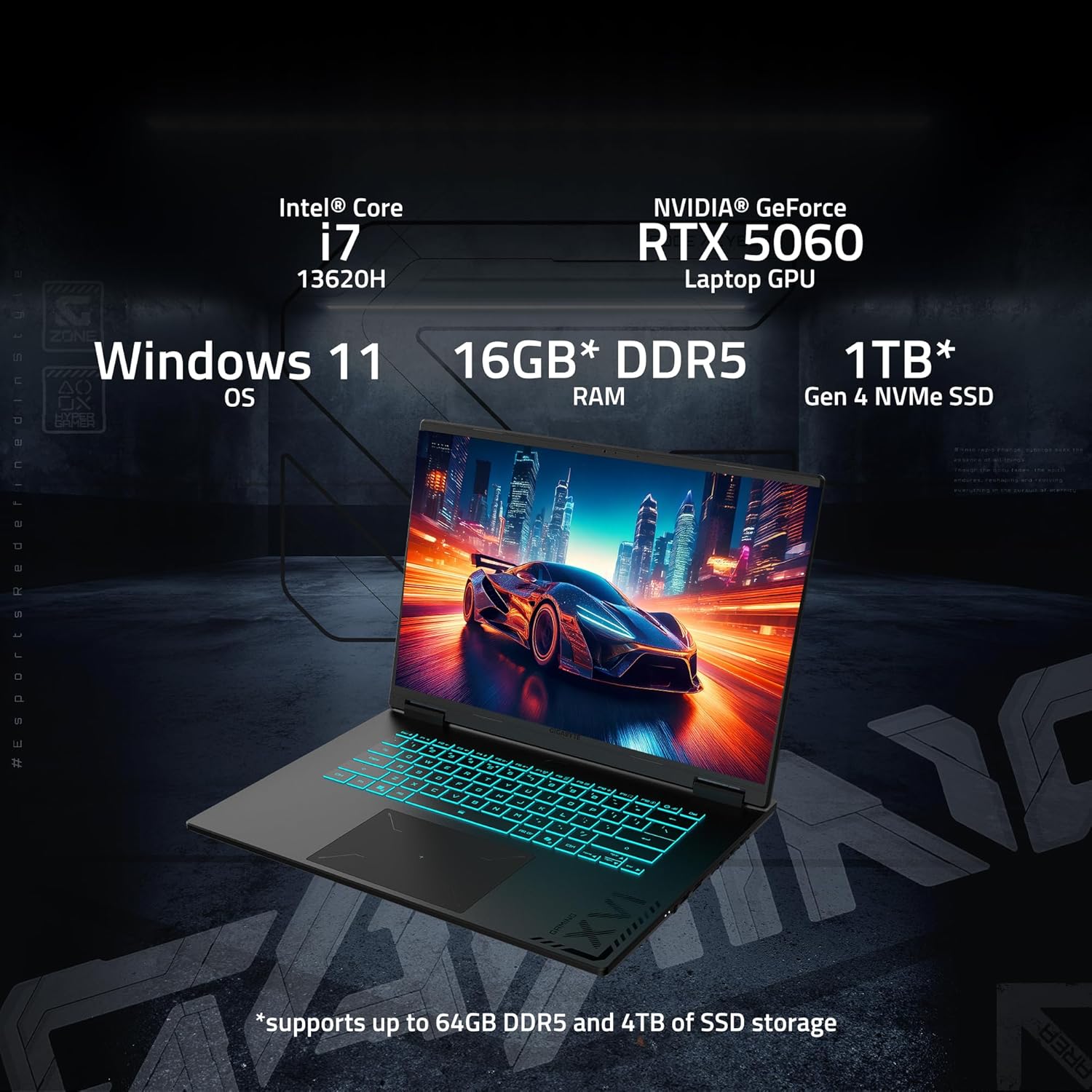

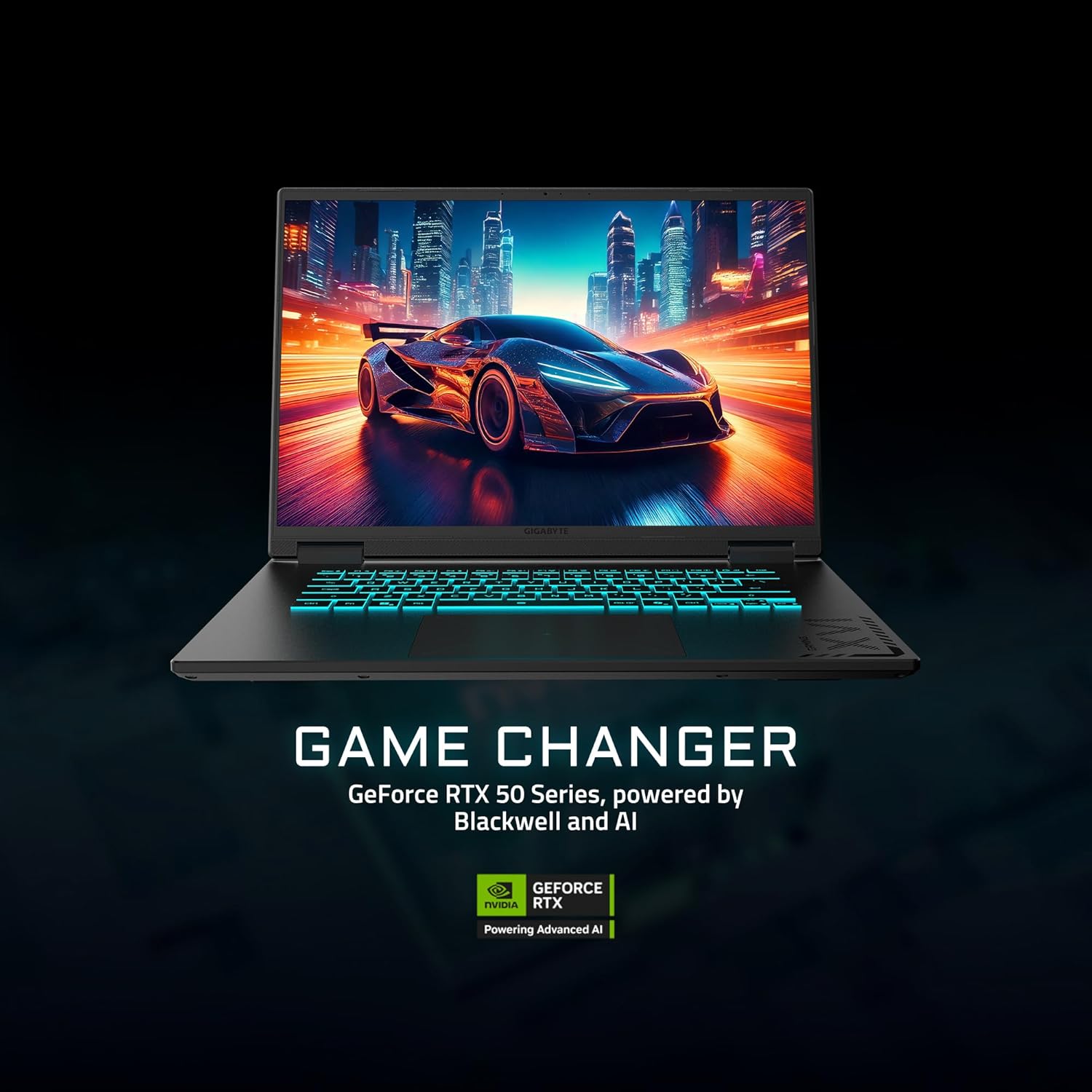
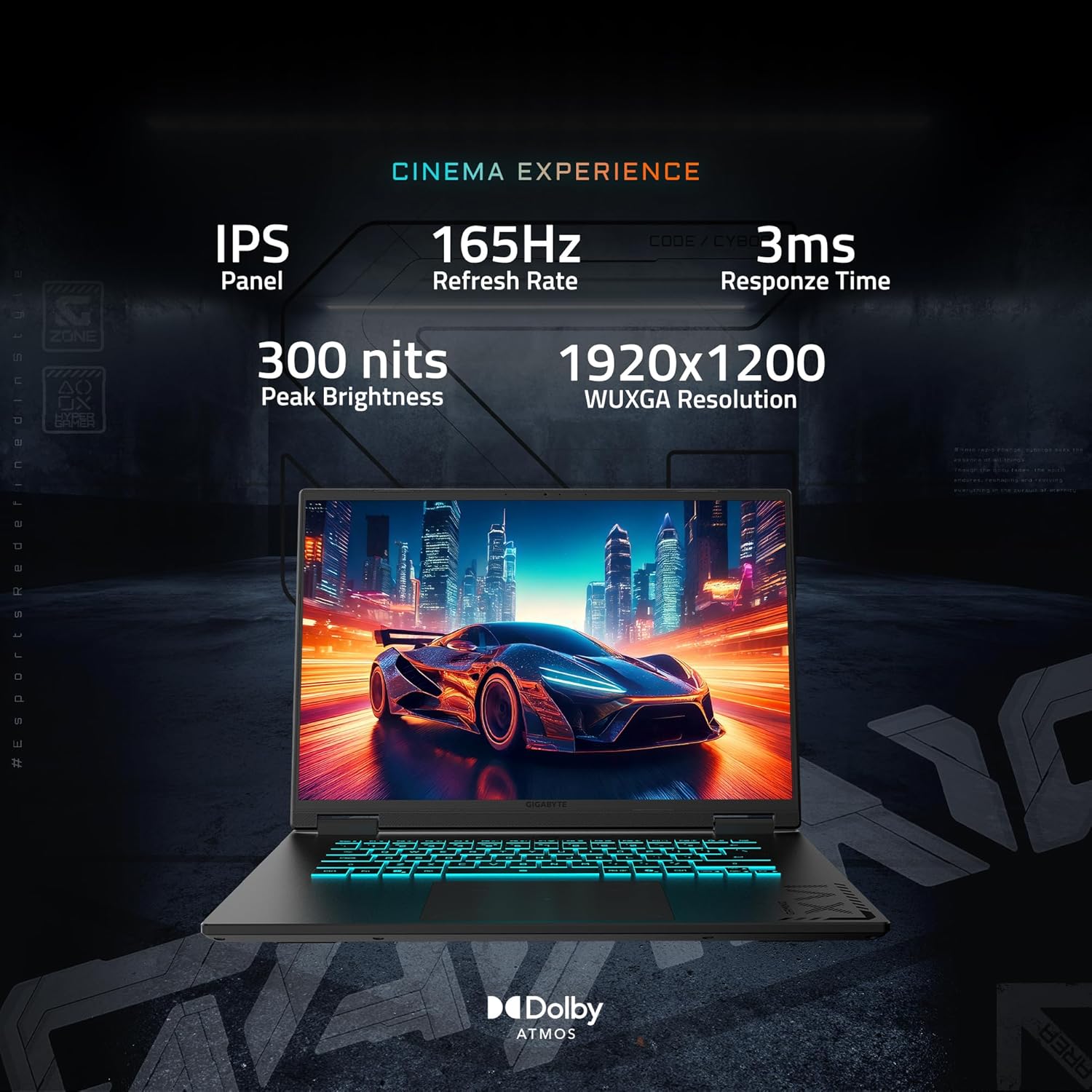
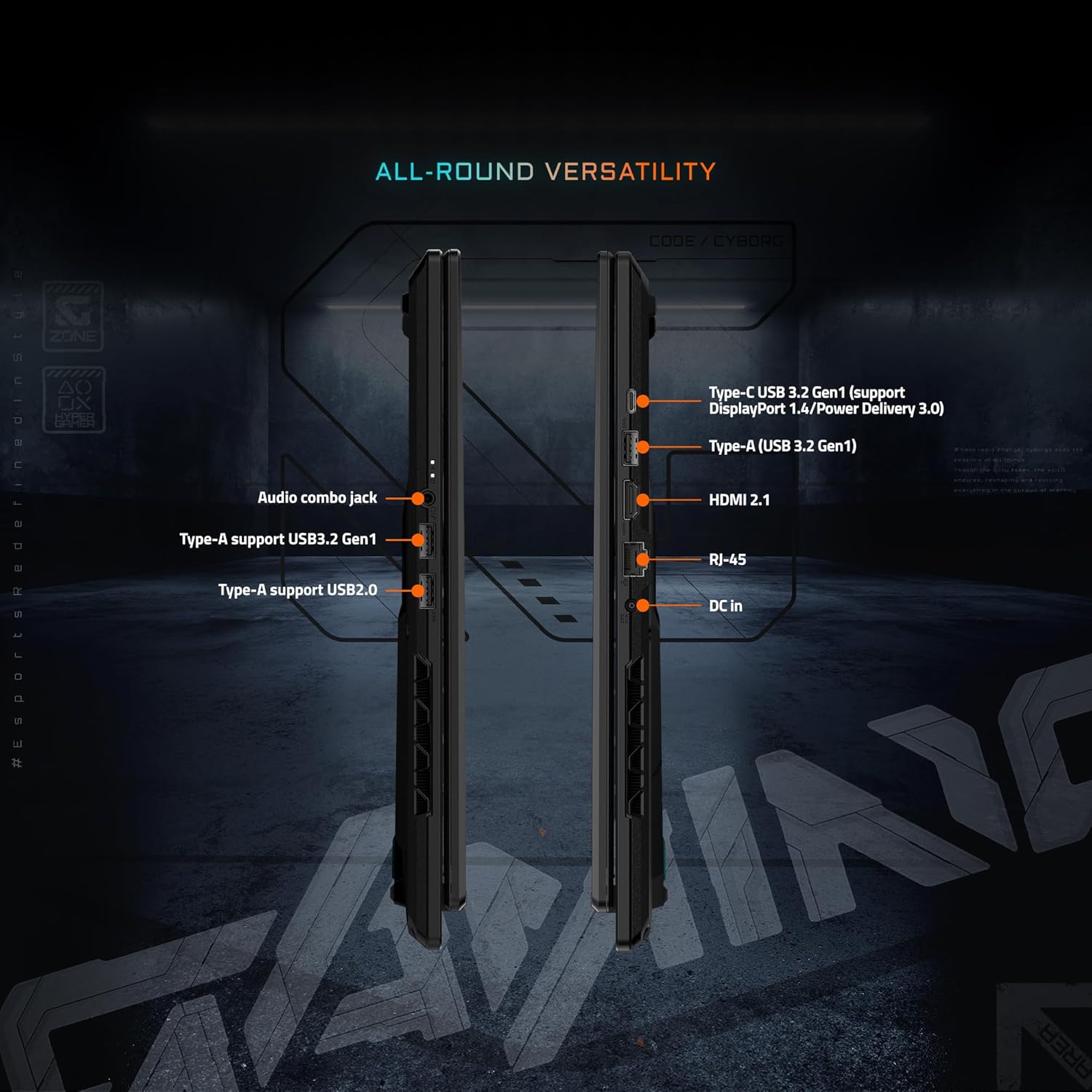

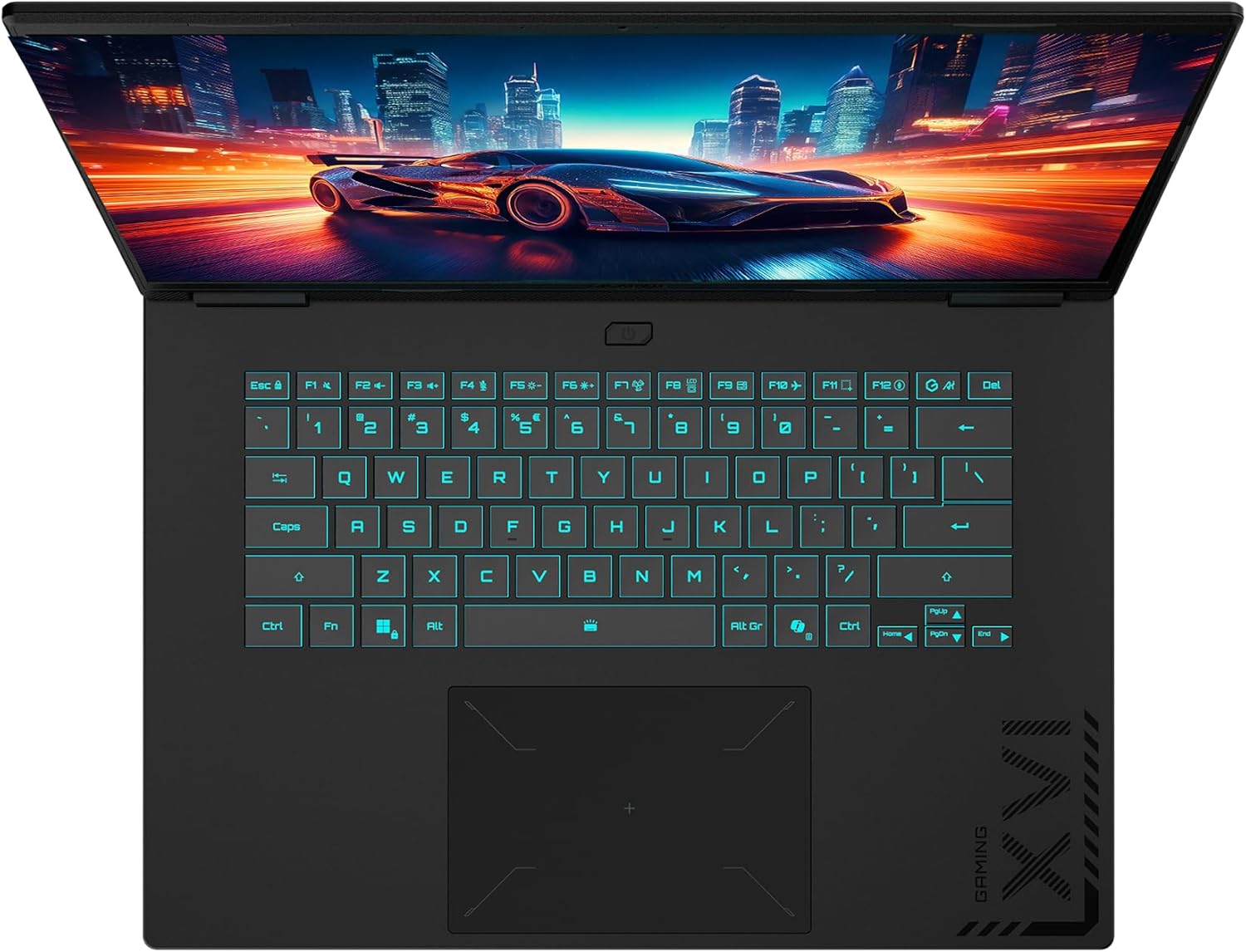




GAME IT ALL. The GIGABYTE GAMING A16 redefines gaming with a perfect synergy of AI-powered performance and ergonomic design. Featuring an Intel® Core™ i7-13620H Processor and up to a NVIDIA® GeForce RTX™ 5070 GPU, the GAMING A16 is ideal for casual gamers, students, and professionals exploring generative AI. Equipped with GiMATE – an intelligent AI agent – this laptop, personalizes your computing experience by adapting system operations to your unique needs. With a focus on user comfort, the GIGABYTE GAMING A16 introduces the premium GIGABYTE Golden Curve Keyboard and a versatile 180-degree hinge design, accommodating various usage scenarios from gaming to productivity. Perceive every game winning moment on a panoramic 165Hz display with slim bezels and a 16:10 aspect ratio while Dolby Atmos® creates an immersive audio experience.
GIGABYTE GiMATE as Your Smart AI Mate – Introducing GiMATE, your smart AI Mate that transforms how you interact with technology. GiMATE creates an intelligent interface that truly understands your needs. Control is now more intuitive, more intelligent, and more personal.
Intel Core i7-13620H Processor – With the Intel Core i7-13620H processor, you can stream, record gameplay, and run multiple applications without compromise. GIGABYTE GAMING A16 offers fast multimedia processing and the smoothest gaming experience.
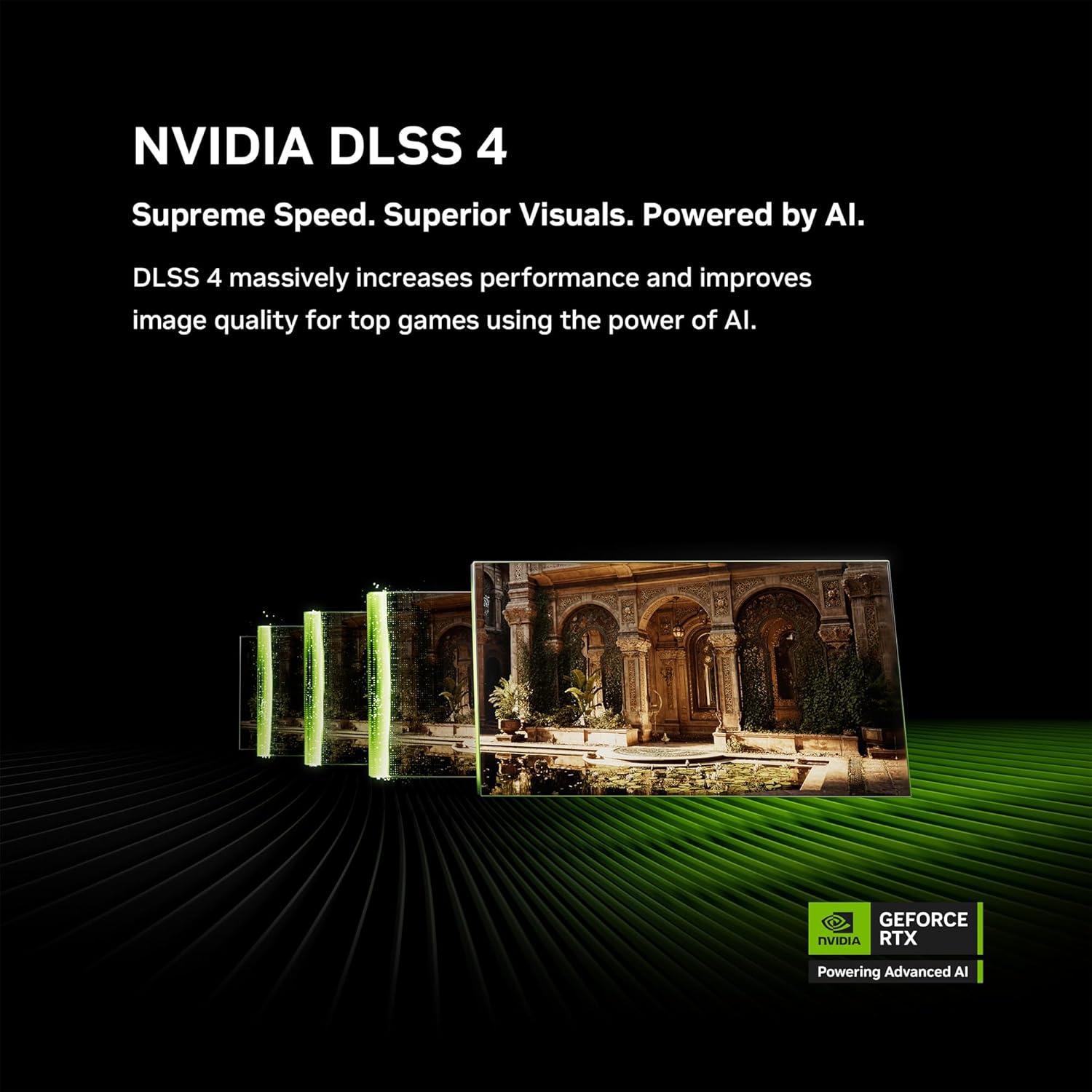
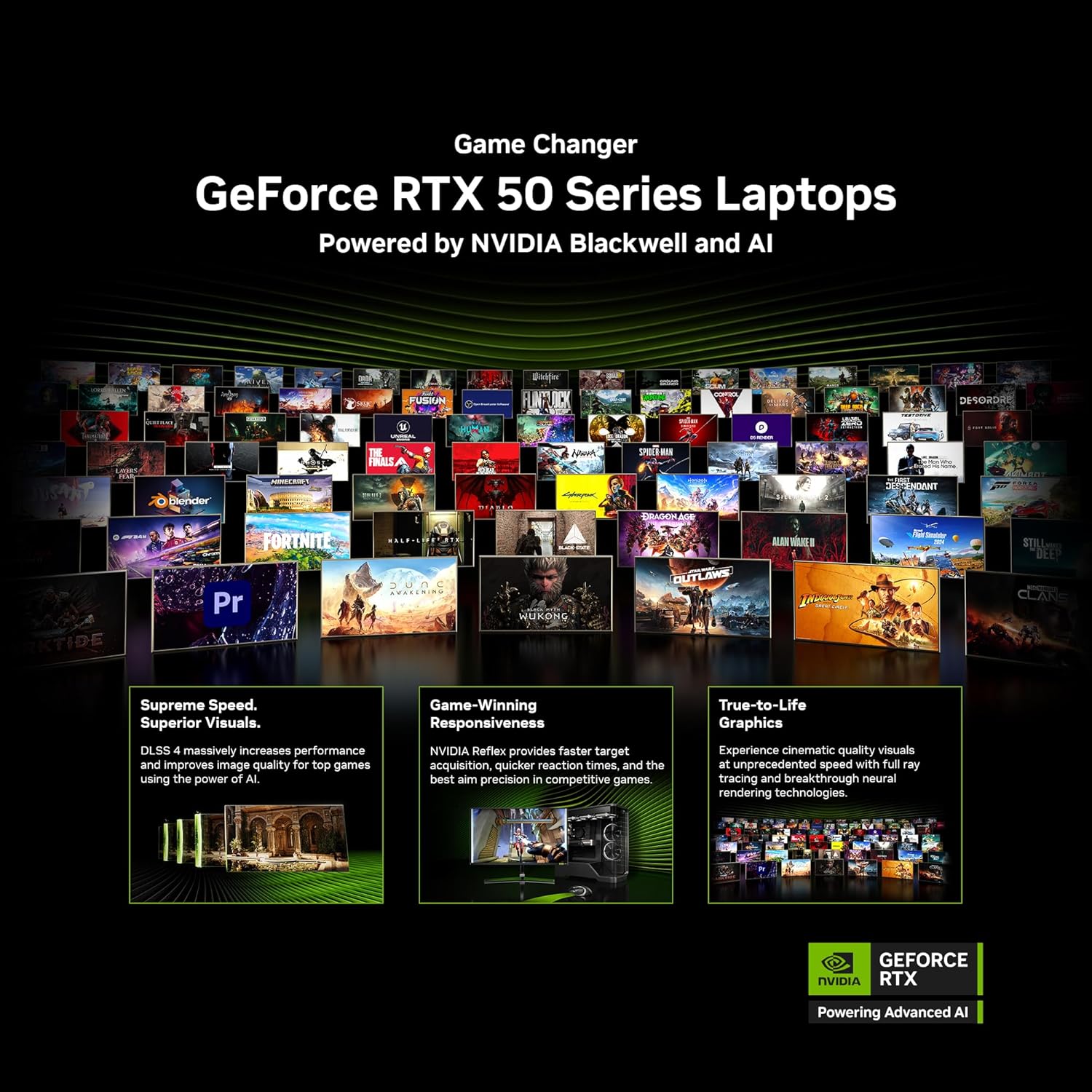
NVIDIA GeForce RTX 5070 Laptop GPU – Powered by NVIDIA Blackwell, GeForce RTX 5070 Laptop GPUs bring game-changing capabilities to gamers and creators. Equipped with a massive level of AI horsepower, the RTX 50 Series enables new experiences and next-level graphics fidelity. Multiply performance with NVIDIA DLSS 4, generate images at unprecedented speed, and unleash your creativity with NVIDIA Studio. All in the thinnest and longest lasting RTX laptops, optimized by Max-Q.
Game and Create with Windows 11 Home – With Windows 11 Home, GIGABYTE GAMING A16 brings it all together in one place and gives you everything you need to stay ahead – game, create, and boost your productivity with confidence.
180-degree Hinge with 19.45mm Slim Chassis – GIGABYTE GAMING A16 features a laid-flat 180-degree hinge design to adapt to various scenarios, all with a 19.45 millimeters (0.76 inches) slim chassis.
Surcharge The Productivity with 14 Hours Battery Life – GIGABYTE GAMING A16 refines the system and gives up to 14hrs battery life to support your study session in library or school.
WINDFORCE Infinity Cooling with 0dB Ambience – GIGABYTE GAMING A16 is equipped with the iconic WINDFORCE Cooling Technology, featuring dual-fan design coupled with 3D VortX air-channeling to maximize the airflows. The Icy Touch allows gamers to control in comfort with low temperatures. With the help of GIGABYTE GiMATE AI Cooling feature, the device dynamically adapts to the system demands and creates noise-free immersion on low-power scenarios.
Support NVIDIA Advanced Optimus with MUX Switch Performance Uplift – With the support of NVIDIA Advanced Optimus, you have the ability to switch between an internal GPU for longer battery life or discrete GPU for higher performance.
4-sided Super-slim Bezels Design – With the 4-sided slim bezels, GIGABYTE GAMING A16 presents a panoramic display and delivers smooth framerates for gamers. Perceive every game-winning moment on the fast, smooth display with enlarged viewing area.
Newly Designed Golden Curve Keyboard – GIGABYTE GAMING A16 features Golden Curve Keyboard with larger key caps and optimized force curve that meets the golden sweet spot to deliver a comfortable and silent experience for both gaming and working. Along with the enlarged touch pad, GIGABYTE GAMING A16 presents best-in-class on-device control for your portable scenarios.
7 reviews for GIGABYTE – Gaming A16 Gaming Laptop – 165Hz 1920×1200 WUXGA – NVIDIA GeForce RTX 5070 – Intel i7-13620H – 1TB SSD with 32GB DDR5 RAM – Windows 11 Home AD (GIGABYTE Gaming A16 CWHI3US864SH)


Alex f. –
Great buy!
Here’s an honest review highlighting what I think most of y’all will want to know!24 hour ownership and here’s what I’ve found.This laptop is surprisingly powerful! i7 13620h paired with 32gb Ram and a 5070 GPU. This is running BF6 at 90FPS consistently with the graphics maxed out and runs Star Citizen at 70FPS with the settings at max. I have very minimal stuttering moments with this laptop under heavy load and have no major complaints for the playability and function.Audio quality is laptop grade. This is not going to “WOW” you in anyway. If you’re an audiophile looking for soundwave bliss, laptops aren’t for you. The speakers are downward facing toward the front corners of the laptop and are plenty loud enough with smooth quality.The display is a respectable 16″ (that’s measured diagonally) and is very responsive. I haven’t dabbled aggressively into advertisement creation or video editing yet but it seems to be quite clear with no visible deficits.Battery life is accurate to the advertisement and seems to have some protective features you can use in the GiMate software.Boot times are generally quick and I don’t have too much more to say about that.The keys feel great to type on, they’re not loud at all and the trackpad is accurate and responsive. I wish the track didn’t travel downward so much when firm clicking but it does work very well.The hinges feel sturdy and smooth, and the screen does open to 180 degrees with minimal effort.Now, for the yellow and red flags.First, the Gigabyte Pre-installed GiMate software is a little unnecessarily flashy and doesn’t offer much customization control, which on a gaming laptop is disappointing to say the least. I mean you cannot use the software to control fan speed curve, OC frequency, etc. etc. It has some pre-programed settings for performance or balance or eco modes but does not give the user the ability to fine tune these settings.The software also has AI built into it which chews up Ram. I’ve discovered it running idle, not open or being utilized and it’s taken up as much as 2.5gb of my available ram. There is also no setting I can find to disable just the AI and if you delete the AI file the entire program will no longer run. Huge thumbs down if you want to use it but want to save RAM.The RGB portion of the program is not bad, but needs work. It does not cooperate with windows very well at times and while changing colors or patterns I’ve noticed some strobing effect while it is sorting itself out.The keyboard portion of the laptop just feels a bit lacking. The speakers don’t face up, there’s a large amount of flat, black, unused space around the keyboard edge and it just feels like they could have done a little more to spice it up or give the user some quality of life features here.When under heavy load the fans will kick on to keep temps under control, and they ramp up to full speed which produces a fair bit of noise. It works though! This unit has not broken 71 degrees (Celsius) even under heavy usage.Lastly, the charging cable is a straight plug, meaning there is no bend to it like many other laptop charging cables out there. This means that when plugged in you have a cord sticking straight out the left side of the laptop and taking up space on the desk around the computer. One thing I’ve always appreciated about 90 degree plugs is the ability to run that straight back the desk and neatly out of the way.All in all, this laptop is flat out incredible for its price point and features. The power packed in this unit competes with my $2000 desktop build. It starts up quickly and quietly, it’s efficient and runs my games very well. I couldn’t complain about it because, well, I bought a laptop to play games and build digital content. It does both very well!If you’re looking for a laptop that can give you a quality gaming experience and doesn’t break the bank, look no further. This one is a keeper!
Danielle Hawking –
BEST VALUE LAPTOP
This is one of the best laptops I have found. It is extremely durable and thin, while providing excellent gaming performance and battery life. The screen’s refresh rate is wonderful, combined with amazing sound quality from the speakers. I highly recommend this laptop not just for gaming, but for everyday use and media consumption.
Ian M. –
Great midgrade laptop for those on a budget!
My purchase included the NVidia RTX 5070 and 32GB RAM options.Before purchasing this laptop, I spent a few hours researching the laptop’s performance on several well-known technical review websites. I also watched a few side-by-side comparison video’s on YouTube. I strongly recommend you do the same before buying.My primary reason for purchase was to upgrade from my 12 year old Windows 7 PC. My secondary reason was to be able to have the ability to play older games (3+ years) on high settings, along with some newer games on low-mid settings. Most of my gameplay is on consoles, so I did not need a top-tier gaming PC. If you are a die-hard PC gamer who wants to play the latest AAA titles on high graphical settings, you’ll need to spend a lot more money on a different setup.This laptop booted very fast into Windows 11. From an engineer’s point of view, Windows 11 is probably a huge change from Windows 10, but from a layman’s point of view, there isn’t a huge difference. So, if you are used to Windows 10, this should be a fairly easy transition. After 2 months of use, I have not had any Windows-related crashes, so the hardware and OS seem to get along okay.Gigabyte A16 motherboards do have an additional, empty SSD expansion slot. Knowing that my Steam gaming library would probably fill the default 1TB SSD hard drive quickly, I purchased a separate 2TB PCIe Gen4 NVMe M.2 SSD from Amazon. It was easy to physically install. I then used Windows Disk Management to initialize, partition, and format the drive. Total process only took 30 minutes. ***IMPORTANT – On a Gigabyte Gaming A16 CWH motherboard: Unlike the default SSD which is horizontally mounted above the battery, the expansion slot is positioned on the opposite side of the board, vertically mounted, at the right side of the battery.*** If you are not comfortable with laptop upgrades, I strongly recommend you do research OR ask an expert for help.All of my non-gaming applications run fine, no issues. The only taxing game I’ve played on this laptop is Cyberpunk 2077 Ultimate Edition. I run it in 1900×1080 resolution, with most Cyberpunk graphical settings on Ultra, including Ray Tracing. With DLSS Frame Generation set to 4X, I get an average 165 FPS. Very crisp, clear, and smooth gaming experience. However, with Cyberpunk’s “Path Tracing” turned on, the FPS drops to 30. This exposes the Nvidia RTX 5070’s lack of raw power compared to the NVidia 90 series GPUs.UPDATE – the above experience is correct, until I started the Cyberpunk Phantom Liberty expansion, which released about 2 years ago. CDPR really pushed the envelope on visual detail in “Dogtown”. I had to reduce Ray Traced Lighting detail to Medium AND turn Off all Ray Traced Shadow effects to maintain the high framerate. The game still looks great, but this showcases another drawback to the Nvidia 70 series GPUs.***IMPORTANT – When taxed, the GPU Fan is loud and NEEDS PROPER VENTILATION. Make sure you have it on a hard, flat surface. Better yet, place it on a grated laptop stand that provides lots of room for airflow.***The laptop’s display is great for what I use it for. I have no complaints. it is bright, clear, and the ability to position the display at 180 degrees is a plus.The onboard speaker is average for a laptop. I’ve played music on it and the clarity is decent, but like many laptops, not very loud. If you want high volume, you will have to use an external audio accessory (headphones, headset, external speaker, etc.)The battery life is good. After 2 months: During normal use (no gaming), the laptop defaults to the onboard Intel UHD GPU, which allows for approximate 5-7 hours of use at 100% battery power. When using software that engages the NVidia RTX GPU (gaming, etc.), the battery power consumption greatly increases. In summary, if you are gaming with the NVidia GPU, you will need to leave the laptop plugged in.After 2 months of consistent use, my only complaint is the “GiMATE” onboard, proprietary Gigabyte system maintenance software. Every time I unplugged the battery charger, it asks a series of questions, while recommending disengaging the NVidia GPU to save battery power. I gave in one day and clicked yes, assuming the change would be temporary. NOPE! It fully disabled the NVidia GPU to the point where Windows 11 hid it in the device manager. Rebooting the laptop wouldn’t undo this change. Eventually, I had to uninstall the NVidia drivers, unhide and remove the disabled NVidia display adapter from Windows Device Manager, then do a hard shutdown and bootup of Windows. Windows finally “found” the GPU and I had to reload the NVidia drivers to get it functional again. At the end of that 4 hours of frustration, I UNINSTALLED GiMATE permanently. I will track and upgrade hardware drivers and firmware manually rather than go through that nightmare again. *THIS* is the only reason I will not reward this product with 5 stars.In summary, this A16 laptop with the RTX 5070 and 32GB options was a great choice for my budget/midgrade gaming needs. With the exception of the GiMATE software debacle, my experience has been seamless, enjoyable, and fulfilling. The value was well worth the money spent.
Tony –
Great Performance – When it works – Wish more timely support was available
Owned for about a week of occasional gaming for testing as i planned to be traveling and wanted an option to do so while away. Great price performance all around. I have an external GSYNC HDR monitor i push it to at home and everything is almost on par with my desktop.I Did all the updates for drivers, bios and utilities and all was well. Satisfied I let it be for about a week until I began traveling yesterday and went to boot up a game i had tested before and its slow to launch, all inputs lag and i get about 5fps on all titles, that were previously tested and running well. Task manager shows none of the hardware being taxed in any capacity so i went to check GI Mate and its just spinning. Ive tried uninstalling and re installing from the website and it just spins. I know GI mate does interact with the hardware so I don’t know if thats the issue is of if some aspect of the hardware is already on the fritz. I would have reset everything but since im traveling on on hotel internet I’d be home before all the updates were done.During my question to get support from Gigabyte their live service has always told me its unavailable and I cant find a phone number so I currently await in my hotel during my free time with my very expensive netflix machine.
Jesús Velázquez –
Recibí la laptop en buen estado con el pequeño detalle que no tenia la RTX 5080 instalada. La información del sistema mostraba solamente los gráficos integrados de Intel y la aplicación de NVIDIA no reconocía ninguna tarjeta grafica.Alejense de esta estafa.Pedí mi reembolso inmediatamente.
Saddy –
I recently bought the Gigabyte A16 PRO, and it’s an absolute beast. The RTX 5070 Ti, Ultra 7 processor, and 32GB RAM make everything—from gaming to video editing—super fast and smooth.The 165Hz WQXGA screen looks stunning, and the laptop stays cool even during heavy use. Build quality is solid, and the keyboard feels great.Overall, a powerful, reliable laptop that delivers excellent performance for the price. Highly recommended!
Cliente de Kindle –
esta es la situacion compre mi computadora la puse en mi escritorio la configure le conecte al monitor y ahi la deje este tiempo y en menos de un mes ya presento fallas en el puerto hdmi con el monitor asus las primeras semanas todo super bien y ahora el monitor dejo de funcionar, los drivers estan actualizados, el refresh rate esta en 60 hz y aun asi no volvio a trabajar con un monitor hdmi si compran un adaptador lo pueden conectar por usbc pero que falle en menos de un mes una computadora de 30mil no se me hace padre la verdad. porfa guarden su caja y todo porque lo necesitaran para la devolucion. yo cometi el error de tirarla.