


Amazon Fire TV Stick 4K Plus (newest model) with AI-powered Fire TV Search, Wi-Fi 6, stream over 1.8 million movies and shows, free & live TV
Original price was: $49.99.$24.99Current price is: $24.99.




Advanced 4K streaming – Elevate your entertainment with the next generation of our best-selling 4K stick, with improved streaming performance optimized for 4K TVs.
Play Xbox games with no console required – Stream Forza Motorsport, Starfield, Palworld, and discover hundreds of other high-quality games directly on your Fire TV Stick 4K Plus with Xbox Game Pass via cloud gaming.
Smarter searching starts here with Alexa – Find movies by actor, plot, and even iconic quotes. Try saying, “Alexa show me action movies with car chases.”
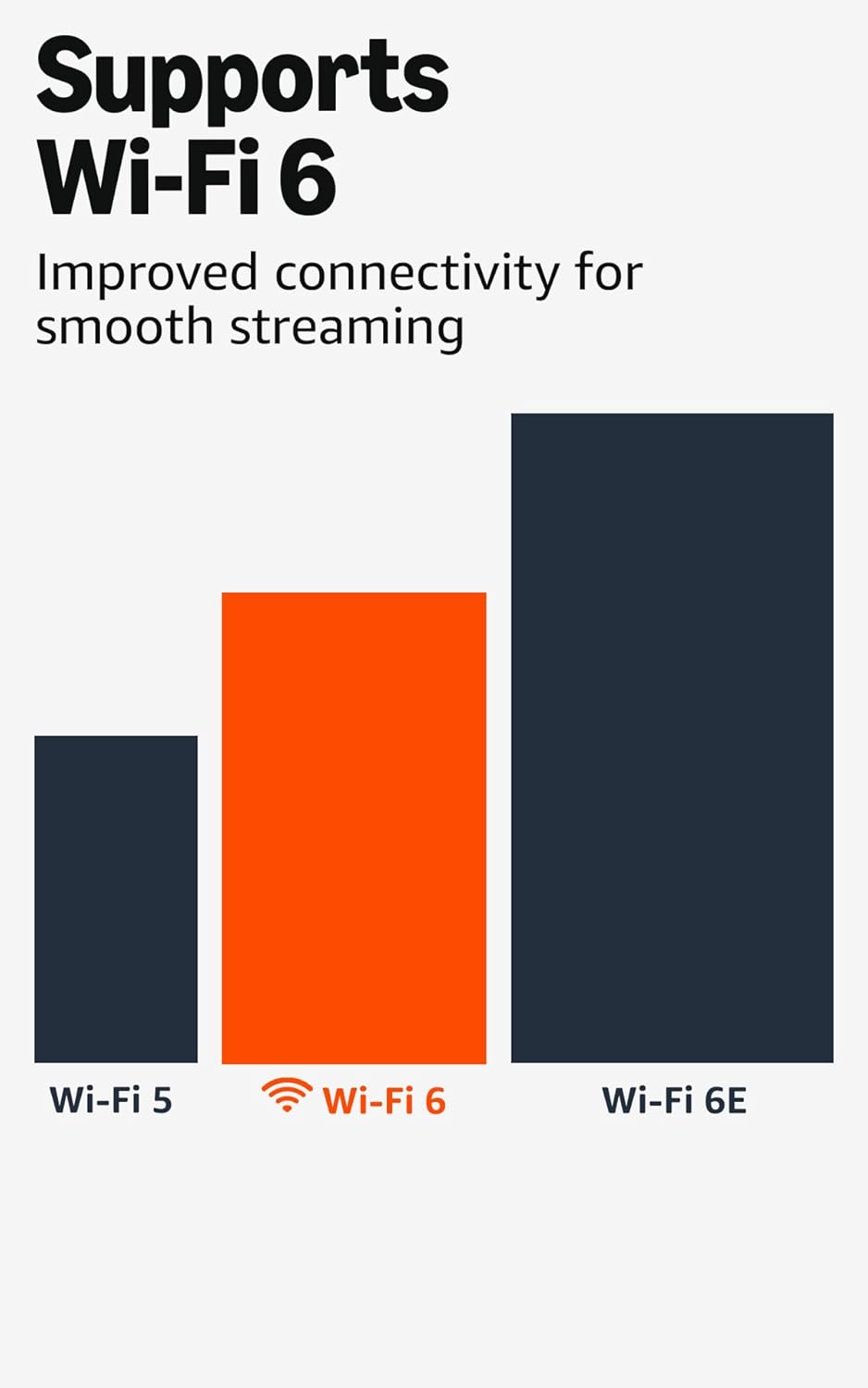
Wi-Fi 6 support – Enjoy smooth 4K streaming, even when other devices are connected to your router.
Cinematic experience – Watch in vibrant 4K Ultra HD with support for Dolby Vision, HDR10+, and immersive Dolby Atmos audio.
Endless entertainment – Stream more than 1.8 million movies and TV episodes. Watch favorites from Netflix, Prime Video, Disney+, Max, and more. Subscription fees may apply.
Stream for free – Access over 400,000 free movies and TV episodes from popular ad-supported streaming apps like Fire TV Channels, Prime Video, Tubi, and Pluto TV.
Alexa Voice Remote – Quickly find, launch, and control content with your voice. Get to your favorite apps with preset buttons, and control TV power and volume with one remote.
Do more with your smart home – Control compatible devices like cameras, lights, and more with your remote. Press and ask Alexa to check the weather or dim the lights.
3 reviews for Amazon Fire TV Stick 4K Plus (newest model) with AI-powered Fire TV Search, Wi-Fi 6, stream over 1.8 million movies and shows, free & live TV


Jess H –
Tiny, yet mighty
I have been dying to try this product, and to be honest, I have heard and read mixed reviews on it from both strangers online and family members. Sometimes you can only make an educated opinion when you try the product out yourself. My entire house uses some form of streaming network device or is a smart TV. I currently have a veryyyy old Roku, first & second-gen Apple TV streaming boxes, first-gen Chromecast w/ HDMI plug that apparently no longer receives updates as of 2023, and all of those devices are so old that updates for them are no longer and I am very limited on what streaming channels I can utilize unless I have a smart TV. They also completely freeze and I can never get through one episode of anything. My bedroom is the only room that does not have a smart TV and I need to catch up with technology. The Amazon 4k Fire Stick was on sale for a decent price too – SOLD.I LOVE THIS THING! I don’t use too many streaming networks and certainly will never pay for cable again (which you honestly don’t need to because the Fire Stick comes with Live TV which is awesome for my dog since he likes background noises while we’re at work). Live TV will stay on all day, however, if you put on a streaming channel, they do not play all day long and end up turning off (even if you set your screensaver on the Fire Stick and the TV to “never”, so the Live TV feature was a huge plus for me. This little stick does wonders.I can download/add to my main screen whatever streaming network I want and it’s up to date with some of the newest streaming networks (for instance, my Roku and Apple do not know what Pluto TV or Fubo is), I can change the appearance of the main screen so it puts my most-watched networks in the front of the line, and it’s connected to my Amazon account so purchasing is made easier. The picture quality is great, it’s AI-powered but I don’t use that feature at all since I stopped using my Alexas (they were talking to me too much) so I cannot share how well that feature works; I’m sure its awesome. It’s small and compact; just plug the stick in your TV and if you have an awkward-positioned HDMI, it does provide you with a cable cord to extend the length. Even if it’s plugged into the back of the TV, the remote signal will still reach. You get 2 AAA batteries included as well.For the WiFi: It says it connects to WiFi-6, however, my apartments are wired for AT&T, which uses a fiber installation. The Arris modem I currently have, and of course the fiber optic wired network, is strictly WiFi-5. So, although this Fire Stick says WiFi-6, it does not disturb my viewing of anything, the connection is still there and I never lose any signal, and I have a ton of devices on my network; I just can’t tell if the quality is better or not since I don’t have WiFi-6. My modem and plan is the best one so bandwidth isn’t really a problem. Also, connecting your streaming networks was a breeze; you can either enter the log-in manually or a QR Code will appear and you go from there. Total set up time with all my streaming channels was probably 20-30 minutes, if that. Nonetheless, I hope to purchase another one in the event it’s on sale because it really is a great product and they are updating technology by the year. Time to get rid of the other bulky devices.
MplsVonD –
⭐⭐⭐⭐⭐The BEST Streaming Device ✨ Surprisingly AFFORDABLE! Easy to use on any TV!
Firestick 4k works the best out of every streaming device I’ve used! Highly Recommended! I love that I can side load APK apps (Android apps) onto the firestick using Downloads app on Fire or using a file manager with LAN (to transfer APK from computer or device on the same network to firestick). Pretty easy to setup additional remotes, like my Android phone, and my Bluetooth keyboard with roller ball mouse works great for navigation and typing. Bluetooth is great also for connecting any Bluetooth speakers wirelessly-it always works for me without any extra work The 4k version seems faster than the HD firestick, and blows the Firestick Lite out of the water!When I use 4k firestick on a regular HD TV (1280×1020), I change the settings to steam at a lower resolution, which helps conserve bandwidth by not streaming higher resolution than needed-this is a huge benefit bc I prefer the 4k stick because it seems to work better for me than the HD & Lite versions. I sideload the Stremio app (configured w Real-debrid) by enabling developer settings > allow external apps to install > select the app used to download the APK (to allow the app to install external apps). Then install app onto firestick and login to your Stremio acct.I recommend setting up your add-ons using a phone or PC because the Stremio app updates all devices on the same account with the add-ons, including configurations that you setup using another device. It’s almost impossible to sideload apps onto Roku and impossible on Apple & Google devices, so I prefer firestick because FireOS is a flavor of Android, which is why apps work perfectly on Firestick. The remote works great too. I use rechargeable batteries bc I dislike 1-time use batteries-they last a long time before needing to be recharged. Its compact size makes it simple to install, store and travel.I connect firestick into any HDMI TV and provide Internet using a travel router¹ whenever I stay at a hotel so I can stream my YouTube, Netflix, Prime etc without remembering to logout of my services at checkout (besides, I don’t like to login to anything in a hotel – including smart TVs)!I recommend accessories like the power cable that turns the USB on your TV into a power source for the Firestick, and a double prong micro USB cable that allows you to connect a USB thumb drive that expands the drive GB or connect another device like Android phone or Windows PC to do developer tasks like adb debugging etc. The firestick has an intuitive UI making navigation and settings easy to use. I wish I could customize the UI and settings more, like colors, navigation of the app and how it recommends shows or movies, and I wish I could connect services like IMDb and others to track watched content and search for content using their parameters (like filters for date, actors, production Co, genre, producer, director etc), but it’s not a deal breaker to search for stuff to watch on a web browser then look up the title in firestick Search or voice search. Almost forgot, I love Alexa and it works seamlessly with firestick-a simple voice command to watch my video cams on TV or play music through the Bluetooth speakers & woofer. I think you can even use firestick in separate rooms to begin watching in 1 room and continue in another.Anyhow, explore everything you can do with your firestick – you won’t be disappointed!* ¹ a Travel Router is an affordable device I highly recommend. It connects to any WiFi network and rebroadcasts it as a new, secure WiFi that you can add password like your home network. This lets your devices connect securely without the risks of connecting your multiple devices to open or public WiFi. Firestick connects Internet automatically to the travel router after configuring it 1x (and connects to any available Bluetooth devices Automatically)!
Rob W –
A perfect pick for my mom to watch Prime TV and local news
I got this for my mom so she can easily stream her favorite shows on Prime Video and catch local news without fuss—and so far it’s working beautifully.What we love:Setup was straightforward and quick—she didn’t get frustrated, which is a big win.The interface is simple and intuitive, so she can switch between Prime TV and local news with confidence.Picture and audio are great—she’s enjoying her shows, and the news looks crisp and clear.It’s freed her from relying on old-cable subscriptions and given her a more modern streaming experience.She especially likes that she can pick up the remote and go—no complicated menus or extra devices required.A couple of notes:If your internet connection is on the slower side, you might notice a slight delay or buffering—they didn’t here, but something to keep in mind.Some of the features (premium apps, extra channels) may still require subscriptions—so if your mom wants more than Prime or basic news, you may want to review those costs together.Final take:If you’re shopping for a gift for a parent or someone who mainly wants to watch Prime Video + local news without hassles, this hits the mark. It’s user-friendly, reliable, and gives them the freedom to choose what they watch and when. Highly recommended.